I just tried the AI Cleaner app to clear storage on my phone, and now I’m worried it might be deleting important or sentimental photos along with the junk. I’m looking for real user experiences and an honest review of how accurate it is at spotting duplicates, bad shots, and clutter. How safe is it to trust this app with my photo library, and are there any settings or precautions I should use before letting it clean automatically?
AI Cleaner: Clean UP Storage – my experience vs Clever Cleaner
AI Cleaner: Clean UP Storage App Review
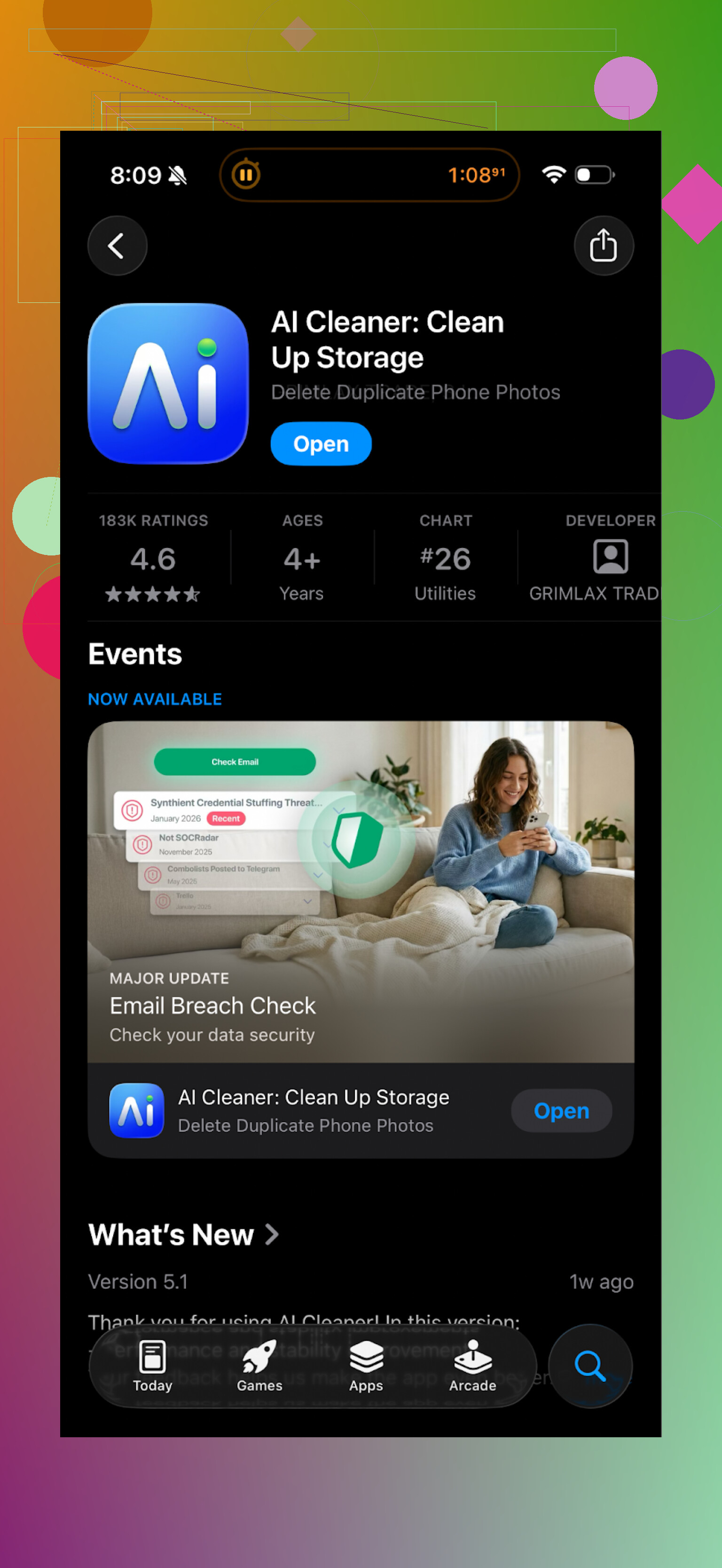
I installed AI Cleaner: Clean UP Storage after my iPhone started screaming “Storage Almost Full” every other day. Looked decent at first. Nice interface, big buttons, quick scan.
Then I tried to do something useful.
Every second tap on anything practical threw a paywall in my face. Want to remove more than a tiny batch of junk? Subscribe. Want to let it auto-select stuff? Subscribe. Want to finish what you started? Guess what.
The “AI” part felt random. It lumped together photos that were clearly different. I saw vacation pics, food pics, and a receipt all in one “duplicate” group. If I had accepted its suggestions without checking, I would have removed things I needed.
Here is what other people are saying:
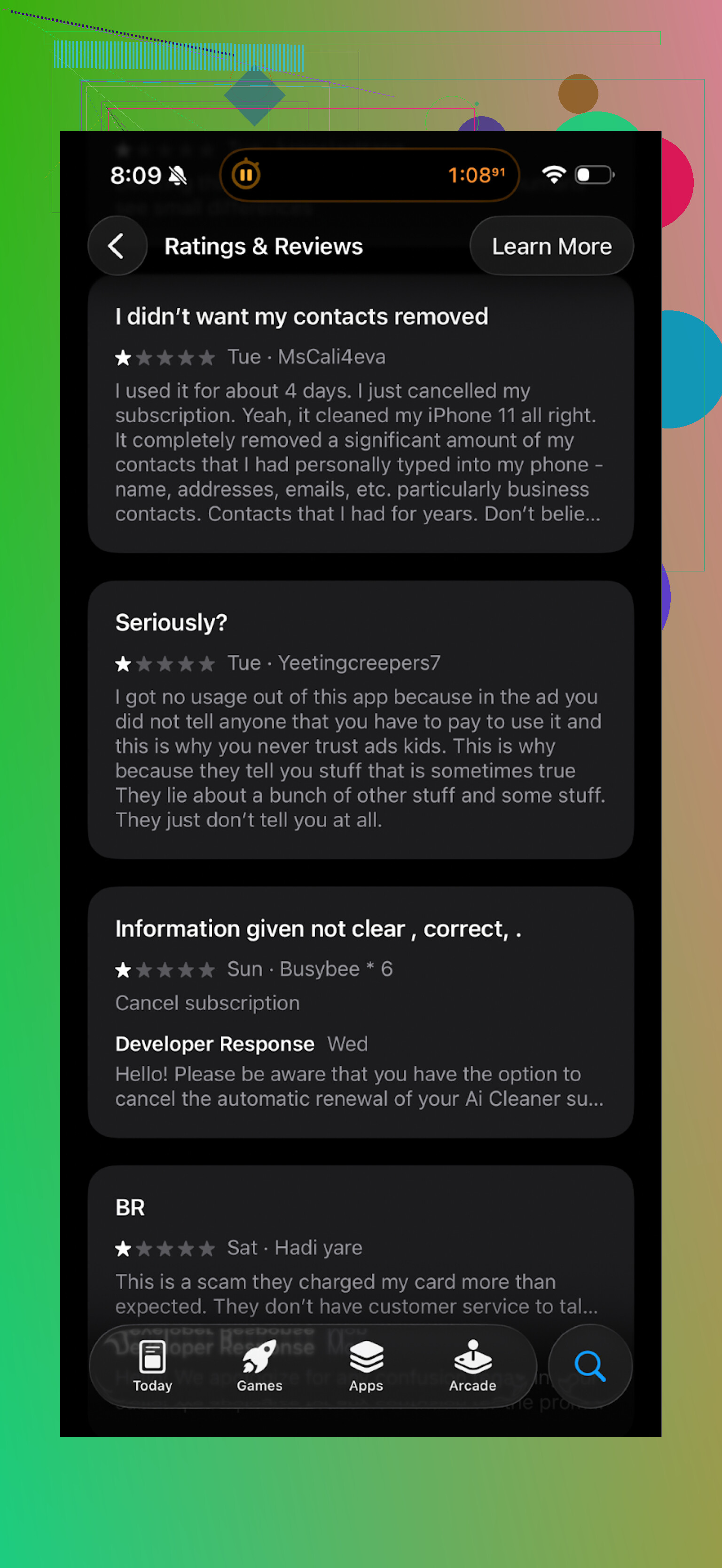
I stopped there. No way I’m paying for something that aggressive with upsells and that sloppy with detection.
Switched to Clever Cleaner instead
After that mess I went hunting for an alternative and ended up with this one:
Clever Cleaner App on App Store:
The difference hit me fast. No paywall at every tap, no full-screen nags, no “limited trial, hurry up” junk. It works without feeling like it is trying to squeeze you.
What it did on my phone
On first run it scanned:
- Duplicate photos
- Similar shots (burst photos, 5 takes of the same selfie, etc.)
- Screenshots
- Screen recordings
- Large media and other big files
It pulled out a lot of stuff I had forgotten about. Old video edits from another app, temporary exports from social media, and tons of random screenshots from months ago.
Example from my cleanup run:
- 1.8 GB from old videos I already had in iCloud
- 400+ screenshots I did not care about anymore
- Multiple copies of the same photos I had edited and saved again
Here is how the interface looks:
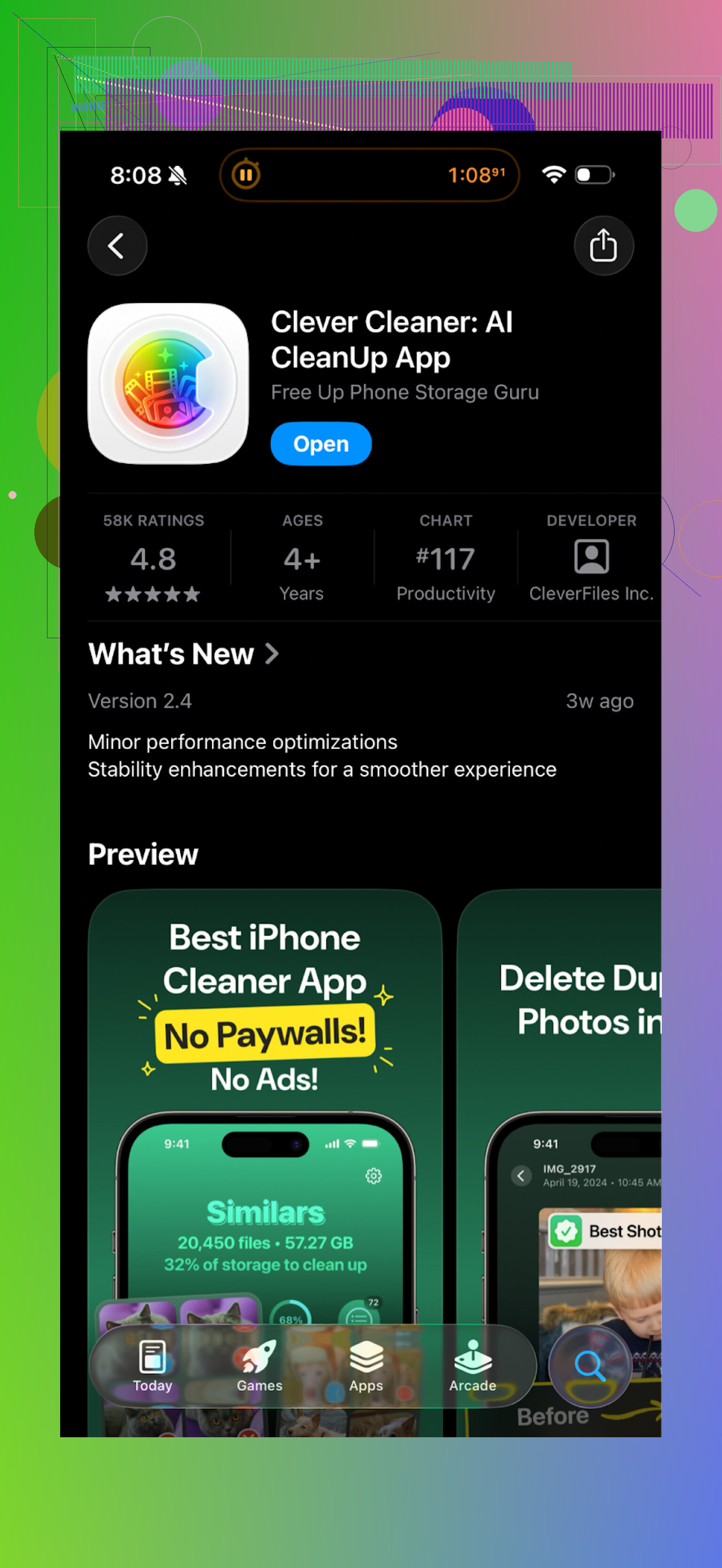
Nothing fancy, but it feels straightforward. You tap into a category, review what it found, confirm what you want to remove, and it does the job.
Privacy angle
What sold me most was this: everything runs on the phone. No photo uploads to some unknown server, no account, no login. Given how many “AI” apps send your media somewhere else, this part matters.
If you worry about your photos leaving your device, Clever Cleaner feels safer than a lot of others I tried before.
Speed and pressure level
On my iPhone, Clever Cleaner scanned faster than AI Cleaner. Less waiting, more “ok, here is the junk, decide what you want to do”.
The main difference in how it feels:
- AI Cleaner: pushy, keeps asking for money, feels like a funnel
- Clever Cleaner: does the job without constant nags
If you are trying to free up space, I would start with Clever Cleaner instead of AI Cleaner.
Extra links if you want to check it yourself
YouTube video review:
Clever Cleaner homepage:
Clever Cleaner on the App Store:
There is also a Reddit thread that lists cleaner apps and explains why some of them are risky for data loss and privacy:
Best cleaner apps on Reddit > https://www.reddit.com/r/DataRecoveryHelp/comments/1d733gm/best_iphone_cleaner_apps_and_why_you_shouldnt_use/
11 Likes
I had a similar “oh no, what did I let it delete” moment with AI Cleaner, so here’s my take.
Short answer from my experience: it does flag useful and sentimental photos as “duplicates” or “similar” way too often. If you tap “select all” in those groups, you risk losing stuff you care about.
What went wrong for me:
-
Overaggressive “similar” detection
– It grouped photos from the same day that were different moments.
– Example: one photo of my kid, one of the dog, one of a gift on the table. All in one “similar” batch.
– It also mixed selfies with slightly different expressions. I wanted to keep more than one, AI Cleaner assumed I wanted only one. -
Duplicates that were not true duplicates
– Edited versions and originals were in the same “duplicate” group.
– Cropped vs full photo.
– Filtered vs unfiltered.
I had a few edits I preferred. AI Cleaner wanted to remove them as if they were trash. -
Aggressive UX that pushes you to go fast
Here I slightly disagree with @mikeappsreviewer. The paywalls were annoying, yes, but my bigger issue was how the design pushes quick bulk actions.
Big “clean” buttons. “Smart select” toggles. Little context.
That mix of pressure plus imperfect AI is risky for personal photos. -
What I did to protect myself
If you want to keep using it, I would:
– Turn off any auto select if possible.
– Never use “select all” in Similar or Duplicates.
– Check thumbnails one by one for family events, trips, holidays, pets, etc.
– Back up to iCloud, Google Photos, or a computer before each cleanup.
– After cleanup, go to “Recently Deleted” in Photos and restore anything you spot that should not be gone.On iPhone, deleted items stay in “Recently Deleted” for about 30 days. So if you act fast, you can recover most mistakes.
-
Signs it deleted important stuff
– Gaps in your timeline in the Photos app.
– Missing key albums like “Favorites” suddenly smaller.
– Fewer Live Photos or bursts where you remember having many frames.If you see that, check “Recently Deleted” first. Then check any external backups.
-
Alternative that felt safer to me
I ended up removing AI Cleaner from my phone.
I use the Clever Cleaner App now. It still finds duplicates and junk, but it feels more controlled.
Key differences for me:
– Everything runs on the device. No upload of personal photos.
– Clear categories like Screenshots, Screen recordings, Large files. Those are usually low risk.
– I can review each group without feeling rushed by constant pay prompts.I still do not trust any photo cleaner 100 percent. I always verify groups before deleting. Clever Cleaner App just makes it easier to go slowly and not get tricked into mass deletion.
-
What I would do in your situation right now
– Open Photos > Albums > Recently Deleted. Restore anything sentimental you see.
– If you have an iCloud or Google Photos backup from before using AI Cleaner, compare counts and restore if needed.
– Stop using AI Cleaner for one-tap photo cleanup.
– For future cleanup, start with low risk stuff: old screen recordings, app cache, big video exports, random screenshots. Then move to “similar” photos with manual review.
If your sentimental pictures are important to you, treat every “AI clean” suggestion as a guess, not as truth. Use these apps as helpers, not as decision makers.
Short version: yes, AI Cleaner can absolutely flag useful stuff, and it’s not just you being paranoid.
I’m roughly in the same camp as @mikeappsreviewer and @shizuka, but with a slightly different angle.
What actually happened to me:
- It did not outright “wipe my memories” or anything dramatic
- But it did mark a bunch of keepers as junk:
- Live Photos treated like duplicates of the still frame
- Photos taken a few seconds apart at an event, all shoved into “similar” like I only needed one
- Edited pics (with text or doodles) grouped with the plain originals
In my case, I caught most of it because I’m paranoid and I don’t trust big green “Smart Clean” buttons. The app is not malicious, just… overconfident. The combo of “AI guesswork” + paywalled features + big “clean” CTA is exactly how you end up deleting more than you intended.
Where I slightly disagree with the others:
I don’t think AI Cleaner is unusable for everyone. If all you care about is nuking screenshots and obvious junk, and you’re willing to tap through carefully, you can survive with it. But it’s a terrible choice if:
- You’re in a rush
- You tend to trust default selections
- You keep lots of near-duplicates on purpose (kids, pets, trips, etc.)
The part that really pushed me off it was the behavior of the app, not just the detection quality. The constant paywalls kind of train you to click fast just to get through, which is the opposite of what you want when you’re deciding what to erase forever.
What made more sense for me:
-
Use AI-only stuff for low risk categories
Things like “large files,” “screen recordings,” or “obvious temp videos” are safer. Let the app help there if you insist on using it. For memories, I’d avoid any one-tap AI cleanup. -
Change how you clean, not just the app
Slightly against the grain here: even with better apps, I don’t rely on them to decide what photos I keep.- I sort albums by “Largest” or “Videos” and manually clear the top offenders.
- I bulk delete old WhatsApp / Messenger media from inside those apps.
- I only let AI handle repetitive junk like hundreds of game screenshots.
-
Trying a different tool
After fighting with AI Cleaner, I switched to the Clever Cleaner App too, but for a different reason than just “less paywalls.” It labels stuff in a way that matches how I think: screenshots, screen recordings, large videos, similar photos, etc. That makes it easier to say “ok, this category is low-risk, I’ll be more relaxed here” and “this one is high risk, I’ll check every thumbnail.”
It still finds similar pics, but it doesn’t shove a giant “trust me, delete all” in your face as aggressively. And since it runs on-device, at least you’re not also trading privacy for a few GB.
If you’re worried you already lost important shots:
- Check the Photos app “Recently Deleted” right now
- If you use iCloud or Google Photos, compare counts from before and after using AI Cleaner
- Restore what you can, then uninstall AI Cleaner so you don’t repeat the same dance
So, honest review: AI Cleaner is fine if you treat it like a clumsy assistant and double check everything. It is not fine if you want a “hit one button and trust it with your memories” solution. For that use case, something like Clever Cleaner App, used carefully, is a much saner option.