I deleted several apps to free up space, but my phone still shows a large amount of storage being used by applications. I’m not sure if cached data, leftover app files, or a system bug is causing it. I need help figuring out why storage usage is still so high and how to actually clear it.
Why “Applications” Gets Huge on iPhone
I ran into this too. I checked storage, saw “Applications” eating a stupid amount of space, deleted a few things, and the number barely moved. Then one morning it was way bigger than the night before. Felt broken.
What iPhone labels as “Applications” is not only the apps you installed. It usually bundles a few different pieces together:
What’s inside “Applications”
-
App Size
This is the app itself, the code package. -
Documents and Data
Your logins, settings, saved files, downloaded content, game progress, and similar stuff. -
App support files
Extra resources, language files, add-ons, local assets. -
Cache
This is the part that grows fast. Social apps, video apps, browsers, and games all stash temp data on your phone.
So if the bar jumps overnight, cache is often the reason. I saw this after a bunch of scrolling and video watching. The phone also does a slow recount sometimes, so storage numbers update late and look random.
Photos usually stay predictable. Apps don’t. The more you use them, the more junk they pile up.
Why offloading doesn’t free much space
This part tripped me up.
If you use “Offload App,” iPhone removes the app package but keeps your data. So if an app is 180 MB and its stored junk is 3.8 GB, offloading only removes the 180 MB part. You keep most of the mess.
If you want the full space back, use “Delete App.” That wipes the app and its local data.
And yeah, even after deleting something, storage stats sometimes lag. I had to wait a bit before the numbers settled. iOS is slow here.
How to check which apps are bloated
Go here:
Settings > General > iPhone Storage
Wait for the list to finish loading. Then tap an app. You’ll usually see a split between:
- App Size
- Documents & Data
That screen tells you where the space went. If App Size is small and Documents & Data is huge, the app has been hoarding files.
What low storage felt like on my phone
Mine got sluggish once I dropped into the “almost full” range.
Stuff I noticed:
- Camera took longer to open
- Apps got kicked out more often
- Typing felt delayed in some apps
- Saving photos stalled
- General UI felt off
iPhone needs free room for temp files and background tasks. When storage gets tight, the whole thing starts acting tired. Not scientific wording, I know, but yeah, that was my expereince.
What I did first
I went through the usual cleanup:
- deleted old messages
- cleared Safari website data
- removed downloads
- checked Files
- deleted apps I barely touched
It helped a little. Not enough.
One app I used to sort through the mess
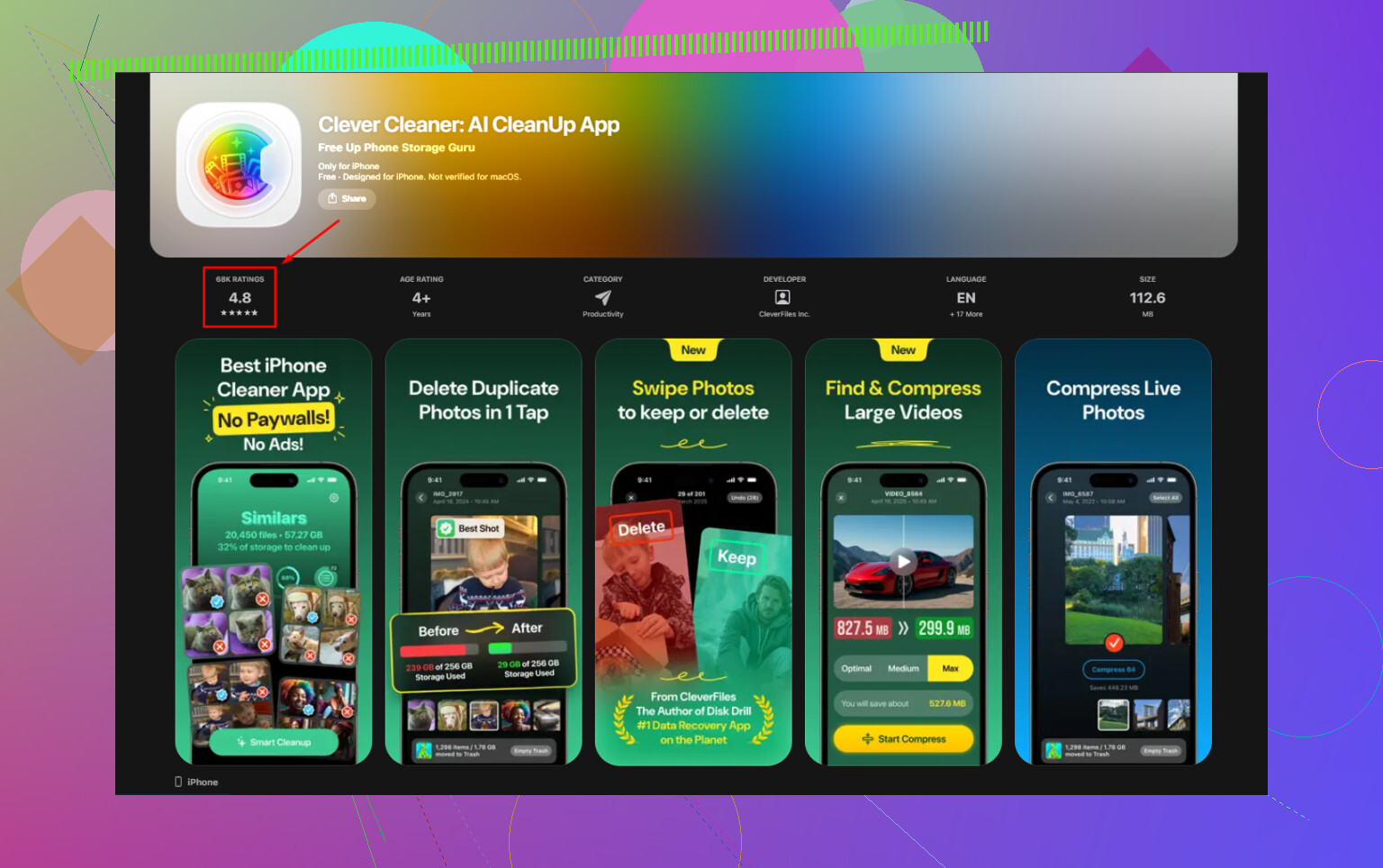
I ended up trying Clever Cleaner after getting tired of digging through everything by hand.
What stood out for me:
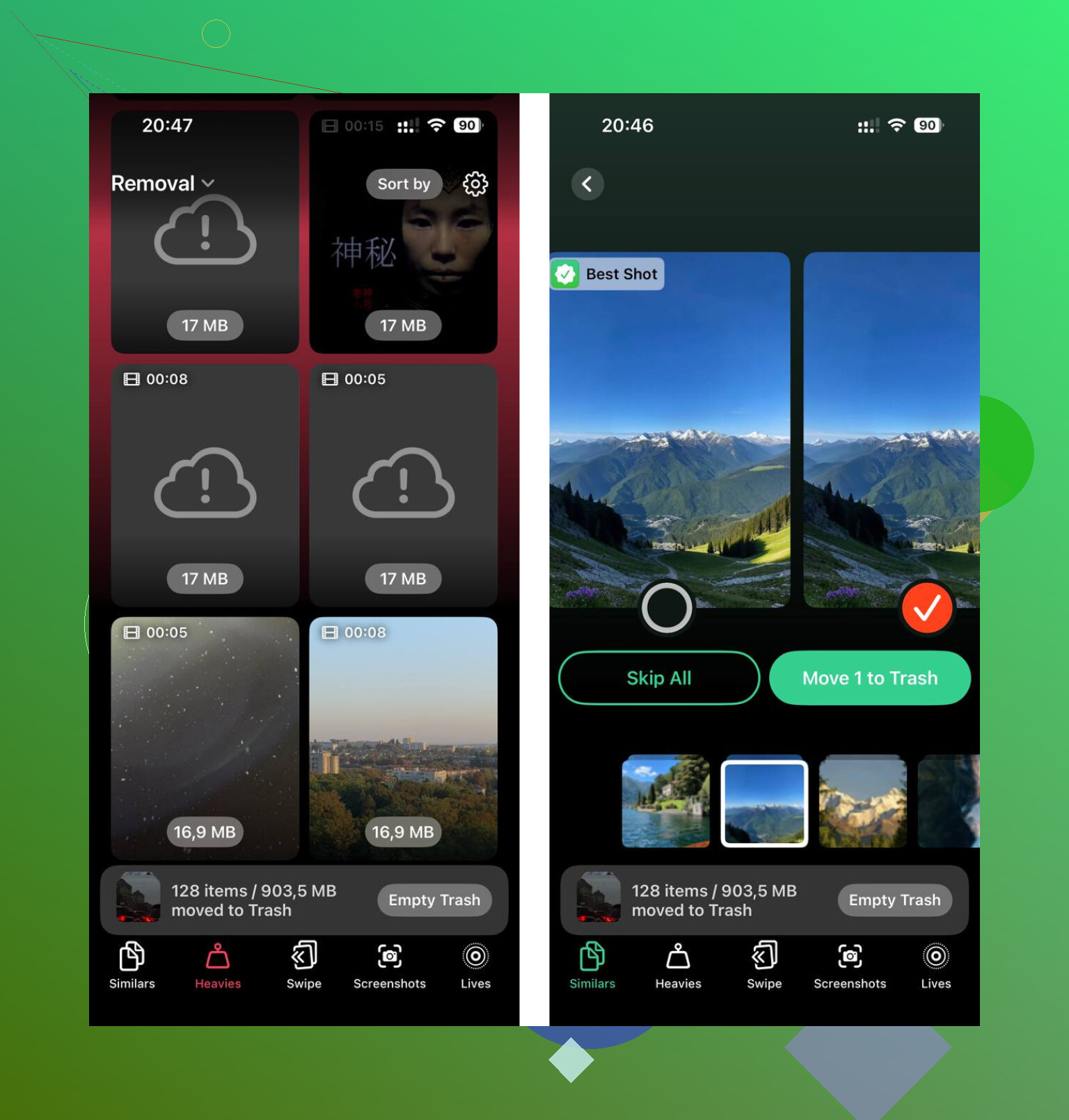
- A “Heavies” section, which made it easier to spot giant videos and other large media
- A “Similars” section, which grouped near-duplicate photos and burst shots
- File sizes were shown clearly, so I knew what deleting would save
- Processing stayed on the device, which mattered to me
I had a pile of forgotten 4K clips chewing through storage. Found them fast. Same with screenshots. Way too many screenshots.
Short version
If “Applications” looks too big, it’s often app data and cache, not the app alone.
If you offload, you remove only part of it.
If you delete, you remove the stored data too.
If the number doesn’t change right away, give iOS some time to update.
And if your phone has gotten slow along with the storage warning, clearing space usually helps fast. That part was imediate on mine.
27 Likes
What I’d check next is whether iOS is misclassifying storage, not leftover app junk.
I agree with parts of what @mikeappsreviewer said, but I don’t think cache explains every huge “Applications” spike. On iPhone, bad storage reporting happens more often than Apple admits. I’ve seen 15 to 30 GB stay stuck until a restart, then rescan correctly.
Try this order.
-
Restart the phone.
A plain reboot forces a storage recalc sometimes. -
Update iOS.
Some versions report storage wrong. Small bug, big headache. -
Check System Data too.
Settings > General > iPhone Storage.
If “Applications” stays huge, but app list doesn’t add up, the bar graph is off. -
Look for app leftovers in Files.
Open Files > On My iPhone.
Video editors, podcast apps, offline maps, and PDF apps leave big folders there. -
Check deleted media bins.
Photos Recently Deleted.
Files Recently Deleted.
Those still eat space untill emptied. -
Reinstall one bloated app, then delete it again.
Sounds dumb, works sometiems. It forces cleanup of orphaned data. -
Sync with Finder or iTunes once.
I’ve had storage numbers correct themselves after a wired sync.
If you want a faster audit, Clever Cleaner is useful for spotting huge local media fast. It also gets mentioned a lot in guides like top free iPhone cleaning apps for clearing storage.
If none of this changes the number, back up the phone, erase it, restore. Annoying, yes. Effective, also yes.
I’d check one thing people skip: App Store downloads stuck in limbo. Sometimes iPhone reserves space for installs, updates, or failed app updates, and that reserved chunk still gets counted under Applications for a while. It’s not exactly “leftover app junk,” and I kinda disagree with @mikeappsreviewer on cache being the main villain every time. Cache is huge, sure, but stalled update data is sneaky.
Try this:
- Open App Store and see if anything is paused or spinning
- Make sure iOS finished indexing after deletions
- Check streaming apps for offline licenses and hidden downloads inside the app itself
- Look at Mail too. Big attachments can be counted weirdly
- If you use Messages a lot, large attachments can blur into app storage reporting
Also, if you deleted apps from the Home Screen, go back into iPhone Storage and verify they’re actually gone there. I’ve had one still listed after deletion. Very dumb.
One more oddball: if you’re in a Family Sharing setup, redownloadable app data and shared purchases can make storage reporting look kinda busted untill it catches up.
@chasseurdetoiles mentioned sync/recalc type fixes, which is fair, but before doing anything drastic I’d leave the phone charging on Wi-Fi overnight. iOS does cleanup jobs when idle, and the number sometimes drops the next morning. Annoying, but real.
If you want a faster visual sweep for what’s actually eating space, Clever Cleaner is useful for finding giant videos/screenshots that get mixed into the mess. Also this video on how to clear iPhone storage for free is worth a look.
If the app totals in the list don’t match the big bar at the top, that’s usually reporting being wonky, not you doing anything wrong. iOS storage math is sometiems just drunk.
Before trying a reset, I’d check cache controls inside apps you still use. This differs from deleting or reinstalling them.
For example, if you have Telegram, open its Settings > Data and Storage > Storage Usage > Clear Cache. This frees local storage without logging you out, while your cloud media stays available.
Write down your free space befor clearing, then compare it afterward. Focus on available space rather than the Applications bar alone. If nothing changes, dont repeat the cleanup. Share your iOS version and the three largest remaining apps to narrow the next step.
Two phones, same symptom, totally different cause. My brother’s old one showed ‘Applications’ at around 40GB with maybe a dozen apps installed, and it turned out one podcast app had quietly downloaded every episode of three shows on auto. A coworker had the exact same scary bar, deleted half her apps, number wouldn’t budge, and hers really was just iOS being slow to recount. So the fix depends entirely on which situation you’re in, and nobody can tell you that from the bar alone.
That’s my main push back on the thread so far. @mikeappsreviewer is right that Documents & Data hides the bulk, and @chasseurdetoiles is right that reporting lags. But both can be true at once, and chasing the wrong one wastes an afternoon. Before you reboot, restore, or go deleting things, open Settings > General > iPhone Storage and actually add up the app totals in the list. If they roughly match the bar, your storage is real and you have cleanup to do. If the list adds up to way less than the bar, stop touching apps, because the problem is reporting and no amount of deleting will move it.
The thing most people forget: iOS keeps a chunk of ‘purgeable’ space that it only clears when it genuinely needs the room. That’s why the number sometimes drops the morning after, like a couple replies mentioned. It’s not magic cleanup, it’s the system finally releasing cache it was holding onto. So the overnight-charging trick works, but not because iOS is tidying up out of kindness, it’s because low storage pressure forces its hand. If you’re not actually low, it may never bother.
On the reinstall-then-delete trick from @sternenwanderer, that one’s real and underrated for orphaned data, but be careful with anything that stores stuff only locally. Reinstalling won’t bring back the data, deleting kills it, so if a game or editor keeps progress on-device with no cloud sync, you can lose it. Check before you do that dance.
For the actual media hunt, Clever Cleaner is what I’d point the camera at, since the giant forgotten video files are usually the real culprit and they get lumped into reporting in confusing ways. Run that first, see what the big offenders are, then decide if you even have a reporting problem or just a hoarding one.
If you post your iOS version and whether the app list matches the top bar, that single detail tells everyone here which half of the advice actually applies to you.