My iPhone photo library has grown to more than 1,000 pictures, and it’s getting really hard to find anything. I have duplicates, random screenshots, and photos mixed across trips and events. I need help finding the best app to organize iPhone photos, sort them faster, and clean up my library without losing important pictures.
I tried a pile of apps sold as the best app to organize photos on iPhone, and most of them lost me fast. Some put the useful stuff behind a paywall. Others tried to be a gallery, backup tool, editor, vault, and cleaner all at once. I kept coming back to Clever Cleaner, mostly because I still open it every week. That says more than any app store blurb.
My routine is plain, and it works.
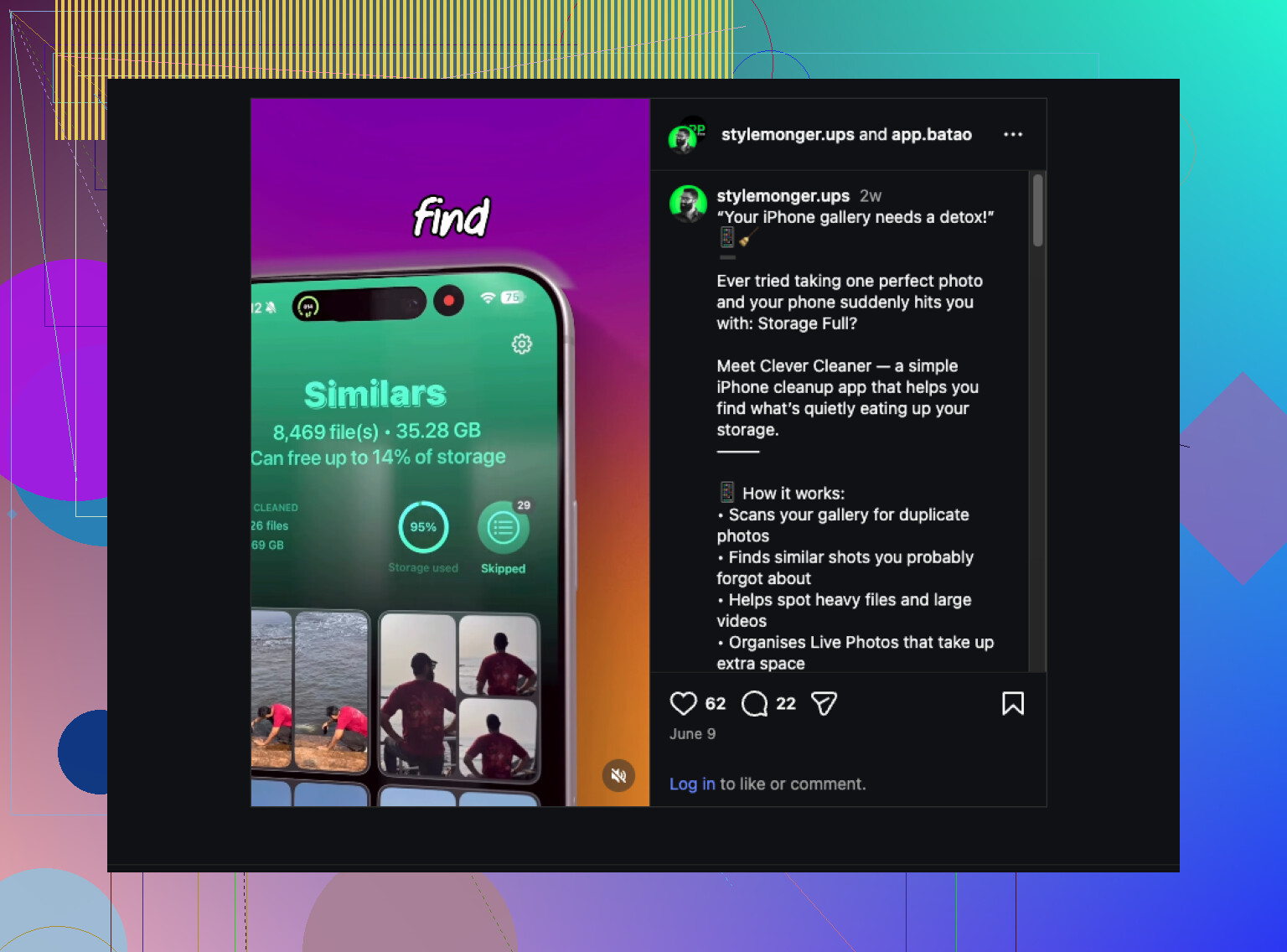
After a trip, a birthday, or even a random Saturday where I took 40 versions of the same dumb sunset, I run a scan. First stop is Similars. I go group by group and dump the duplicates and near-duplicates. Those pile up way faster than I used to admit.
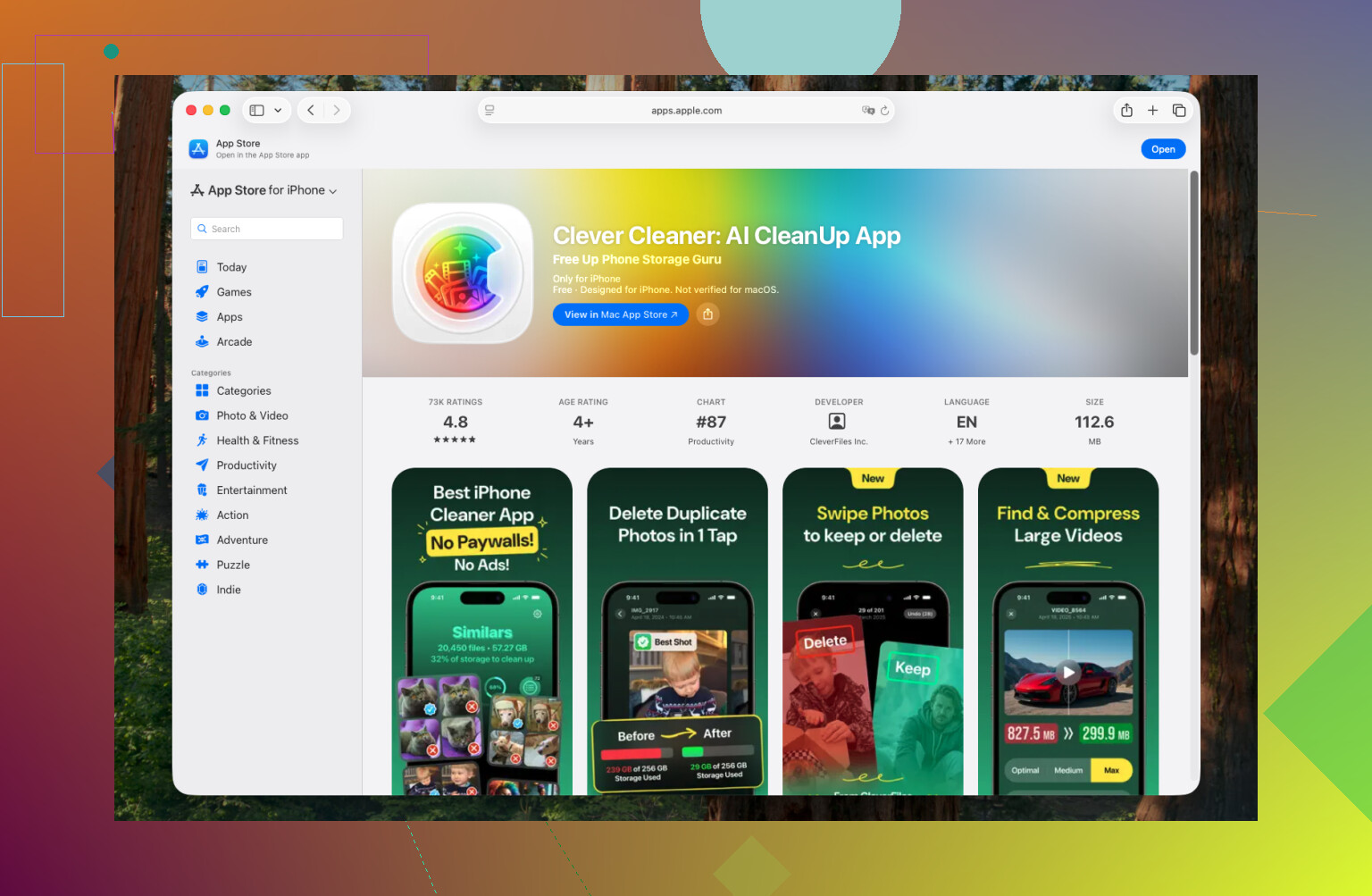
Next I check Heavies. For me, videos are the storage killers. Always. If a clip matters, I compress it. If it was some shaky 19-second clip of nothing, I delete it and move on.
Then there’s Swipe Mode. I use it in short bursts, on the couch, in line somewhere, while half-watching TV. Five minutes here and there does more for photo cleanup than one huge session I keep putting off. It stops the backlog before it turns into a mess.
Once in a while I also do the extra cleanup stuff:
- Delete old screenshots I forgot about
- Turn Live Photos into regular stills when the motion part adds nothing
- Run Smart Cleanup again before I back up the phone
That’s been enough to keep my library under control without making it feel like homework.
If Clever Cleaner doesn’t fit what you want, I’d look at these instead:
- Slidebox, if your main problem is sorting photos into albums. The swipe setup feels quicker than doing it inside Apple Photos.
- MyPics, if you want more structure, like folders, private albums, and tighter control over where stuff goes.
- Secret Photo Vault (Keepsafe), if privacy matters more than cleanup and you want photos locked behind Face ID or a PIN.
For me, the annoying part was never organizing the keepers. It was clearing out the junk first. Clever Cleaner handles that part, so what’s left in Apple Photos is way easier to sort. Kinda boring answer, I know, but boring tools are usually the ones I keep using.
8 Likes
If your main problem is clutter, I would not start with album apps. I’d clean first, sort second. @mikeappsreviewer is on the right track there, though I think some people overdo the weekly cleanup routine. For 1,000 photos, one solid pass gets you most of the way.
Best app for the mess part, Clever Cleaner.
Why I’d pick it:
- It finds duplicates and similar shots fast.
- It surfaces screenshots and large files without digging through Apple Photos.
- It cuts the junk before you waste time building albums around bad stuff.
- It’s easier to keep using than bloated all-in-one apps.
Then I’d use Apple Photos for organization. Not another app. Apple Photos already gives you search by place, date, person, object, and text in screenshots. Most people ignore this and start making 40 albums they never open agian.
Simple setup:
- Delete duplicates and screenshots in Clever Cleaner.
- Mark key people as Favorites in Photos.
- Make albums only for trips, events, and work stuff.
- Use captions on important photos so search works better.
- Hide private images in the Hidden album with Face ID.
If you want stricter manual sorting, Slidebox is better than most. If you want private storage, Keepsafe fits better. If you want the fastest cleanup path, Clever Cleaner wins.
For search help and photo cleanup ideas, this covers solid iPhone photo organization tips: smart iPhone library cleaning tips.
Short version, clean with Clever Cleaner first. Organize what survives. Theres less pain that way.
I’d actually split this into 2 jobs, not 1: cleanup and organization. That’s where I slightly disagree with @mikeappsreviewer and @vrijheidsvogel a bit, because “best app to organize photos on iPhone” is not always the same as “best app to delete junk.”
For cleanup, yeah, Clever Cleaner makes the most sense. If your library is clogged with dupes, similar shots, giant videos, and old screenshots, fixing that first saves a ton of time. For that part, this guide on how to remove duplicate photos on iPhone and free up space fast is worth a look too.
But for actual organizing? I still think Apple Photos is underated. Once the junk is gone, use:
- People & Pets tagging
- search by location/event/object
- Favorites
- a small number of albums only
My rule: if you make 30 albums, you’ve already lost lol.
So my pick is:
- Best cleanup app: Clever Cleaner
- Best place to organize what’s left: Apple Photos
- Best manual album helper: Slidebox
1,000 photos honestly isn’t that bad yet. Annoying, yes. Unfixable, no. Clean first, then sort the keepers. That order matters way more then people think.
I’d push back a little on the “just use Apple Photos after cleanup” angle from @vrijheidsvogel, @sterrenkijker, and @mikeappsreviewer. Apple Photos is great at finding things, but not always great at forcing decisions. If your issue is 1,000+ messy photos, you probably need an app that helps you reduce volume first, not just search better.
So for me:
Best first app: Clever Cleaner
Best long-term home: Apple Photos
Clever Cleaner pros
- Fast at spotting duplicate and similar photos
- Good for separating out junk like screenshots and heavy files
- Less bloated than all-in-one gallery/vault/editor apps
- Easier to use in short cleanup sessions
Clever Cleaner cons
- It’s more of a cleanup tool than a deep album organizer
- AI picks are not perfect, so you still need to review before deleting
- If you want folder-style manual control, it can feel limited
Where I slightly disagree with the others is this: albums are overrated for most people. For only 1,000 photos, I would not build a giant folder system. I’d do this instead:
- Use Clever Cleaner to cut duplicates, burst leftovers, screenshots, and oversized videos
- Keep only a few albums: Trips, Family, Work, Important
- Use Favorites way more aggressively than most people do
- Rename key memories with captions so search becomes useful later
If you want stricter sorting, Slidebox is still worth a look. If privacy matters most, Keepsafe makes more sense. But if your library feels messy right now, Clever Cleaner is probably the best app to organize photos on iPhone indirectly, because it removes the junk that makes organizing miserable in the first place.