I accidentally deleted important files from my Mac and emptied the Trash before realizing they were gone. I’m looking for trustworthy Mac data recovery software that’s safe, effective, and easy to use because I really need to recover work documents and photos as soon as possible.
I went looking for free Mac recovery apps a while back, and the list was way shorter than I expected. Most of the so-called free ones let you scan, show thumbnails, tease you with recoverable files, then stop right when you need the export button. On newer Macs, it gets worse. APFS support is uneven, Apple Silicon breaks older tools, and some apps feel abandoned.
A couple free picks still felt worth my time.
- PhotoRec
If you want something with no paywall, PhotoRec is the one I kept coming back to. It is open source, ugly, and useful. I used it on a damaged SD card once, and it pulled files other apps failed to even list. Same thing on a corrupted external drive. It did more than I expected.
The catch is the interface. It runs in Terminal, so if you hate command-line tools, you might bounce off it fast. Also, recovered files usually come back with generic names and no folder layout. You get the data, but the organization is gone. If your main goal is saving the files first and sorting the mess later, it still holds up.
- Exif Untrasher
This one is much narrower. It is free, simple, and mostly aimed at JPEG photo recovery from memory cards and cameras. I tried it once for a photo-only job, and it was easy enough, but I would not treat it like a full recovery suite. It feels more like a single-purpose tool you keep around for one specific problem.
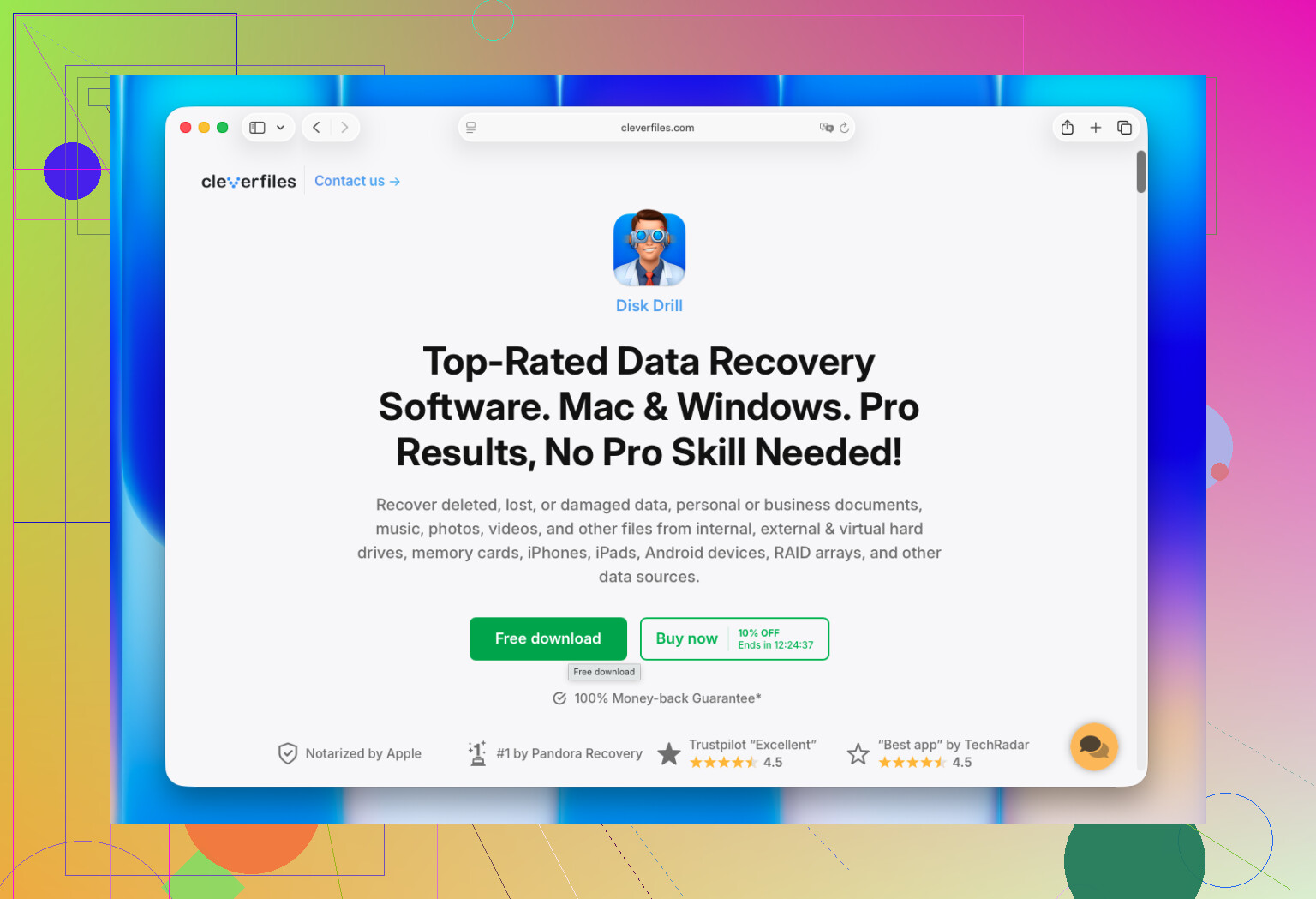
If you are open to paying, I had the smoothest experience with Disk Drill. For Mac use, it felt like the least annoying option. It worked cleanly with APFS in my tests, did not freak out on Apple Silicon, and read external SSDs, USB sticks, SD cards, and even Time Machine volumes without me fighting the app.
What stood out to me:
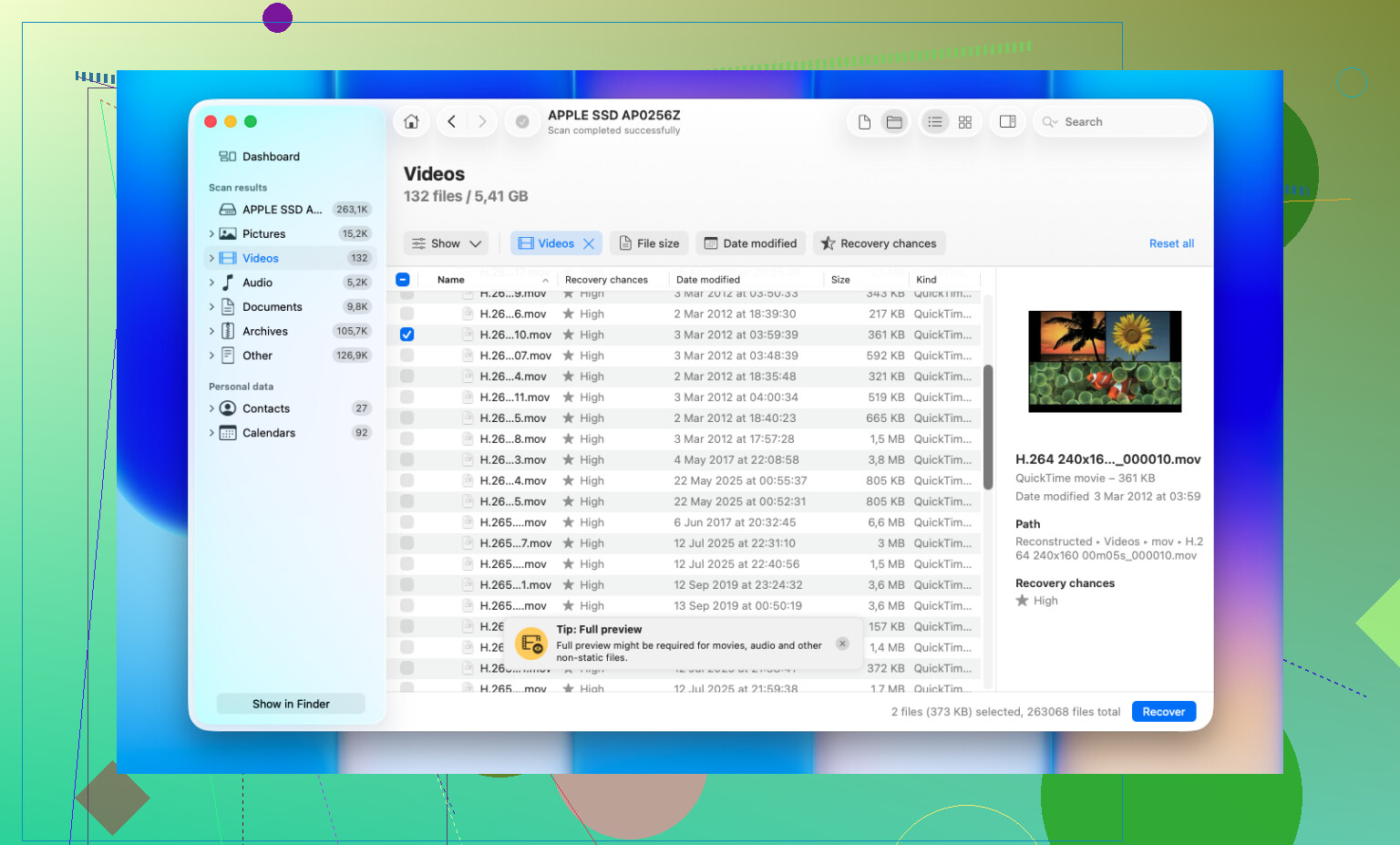
- Preview worked well before recovery, which saved time.
- Deleted and formatted drives gave better results than I expected.
- It includes byte-to-byte backup imaging, which matters if your drive is failing.
- Photo and video support is solid, including RAW camera formats.
- It is easier to deal with than tools like R-Studio or PhotoRec.
One thing matters more than the app you pick. Stop writing to the drive the second you notice data loss. I learned this the hard way years ago. On SSDs, TRIM wipes deleted blocks fast, and on modern Macs you do not get much time. Recover to a different drive too. Writing recovered files back onto the same disk is a bad bet.
13 Likes
If the files were on your internal Mac SSD, stop using it now. That part matters more than the app. Once TRIM runs, recovery rates drop fast.
I agree with @mikeappsreviewer on one point, free Mac recovery tools are slim pickngs. I disagree a bit on PhotoRec for this case. It works, but for a normal deleted-files job on Mac, the lost filenames and folder structure are a pain.
My short list:
-
Disk Drill
Best balance of safety, ease, and scan quality on macOS.
Good with APFS, external drives, SD cards, USB drives.
Preview is useful, so you waste less time.
Create a byte-level backup first if the drive looks unstable. -
R-Studio
Better for advanced users.
More control, more file system detail.
UI is not friendly. Easy to make mistakes if you are new. -
EaseUS Data Recovery Wizard for Mac
Simple to use.
Decent results on external media.
I’ve seen mixed results on newer Macs, so I would rank it below Disk Drill.
If you want an easy read on the best Mac data recovery software, this is a decent roundup of the top 5 best data recovery tools for Mac and external drives:
see the best Mac data recovery tools in action
Small tip. Recover to a different drive, not back to your Mac. That mistake ruins recoveries fast. If your deleted files were on an external HDD, your odds are way better. If they were on the internal SSD, move quikly.
If this was your Mac’s internal SSD, I’d be a little less optimistic than @mikeappsreviewer and @techchizkid make it sound. They’re right that some tools are solid, but on modern Macs, deleted file recovery from the internal drive can go sideways fast because of SSD behavior. So software matters, but where the files were deleted from matters even more.
For actual apps, my short take:
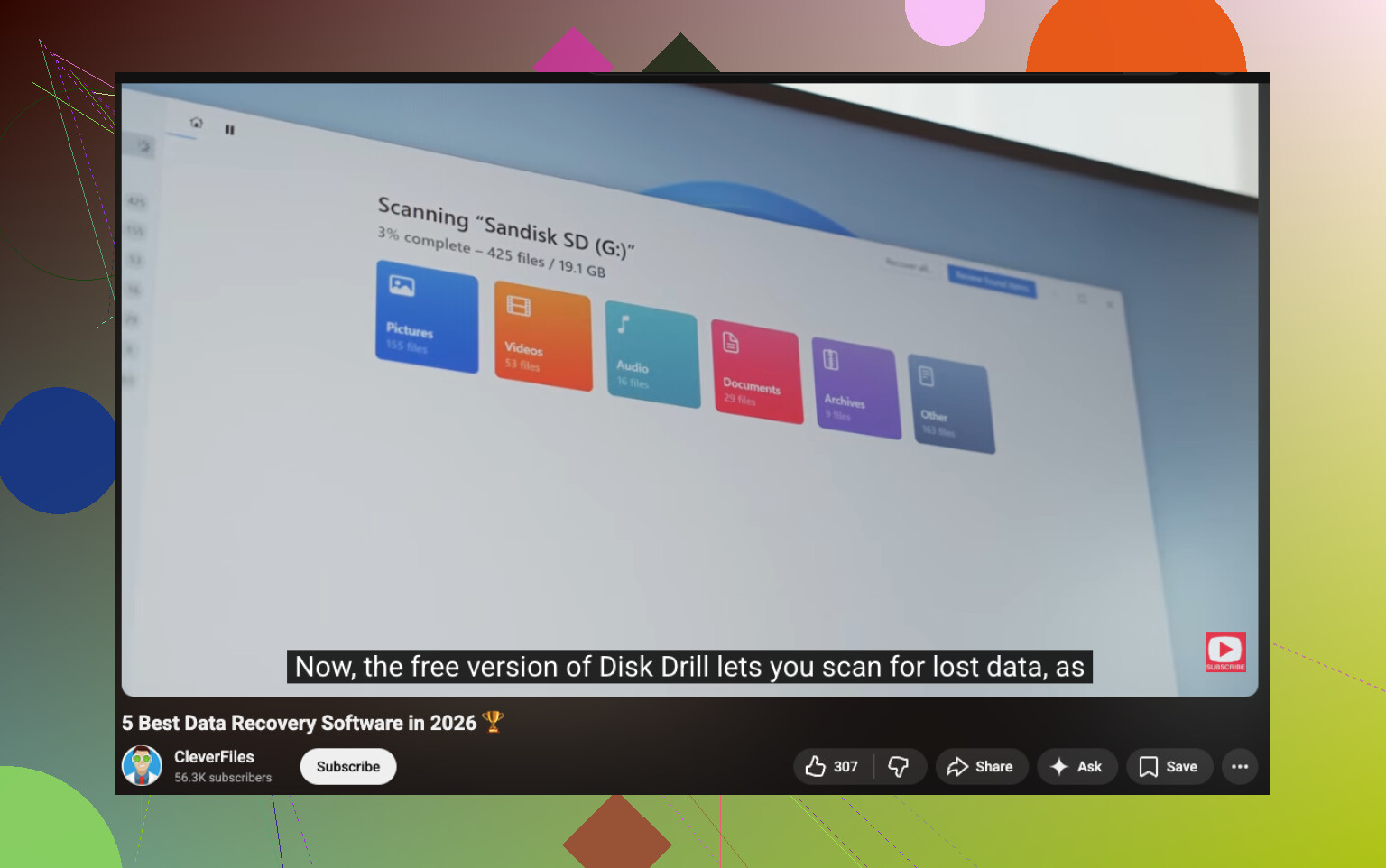
- Disk Drill for Mac is probably the easiest real-world option if you want something safe and not too nerdy. The interface is clean, previews are helpful, and it tends to handle APFS better than a lot of older Mac recovery tools.
- Data Rescue is another one I’d at least mention. It’s been around forever and feels a bit more conservative than some flashy recovery apps.
- R-Studio is powerful, but honestly kinda overkill if you just want your deleted docs/photos back without a weekend project.
One thing I slightly disagree on: people always jump to “use the free tool first.” I get why, but if the files matter, I’d rather use the app that gives me the best shot first instead of burning time poking around with clunkier stuff. Every minute using the Mac normally is more writes, more risk, more pain.
Also, do not install recovery software onto the same drive you’re trying to recover from. That’s the classic oops move.
If you want more opinions, this thread is pretty useful: best Mac data recovery software options for deleted files and external drives
Short version:
- External drive / SD card = decent chance
- Internal Mac SSD = maybe, but move fast
- Easiest recommendation = Disk Drill
- Super important files = consider a pro service before you keep clicking stuff arond
If the files were deleted from an external drive, SD card, or USB, I’m more optimistic than if they were on the internal Mac SSD. That distinction is huge.
My take is a little different from @techchizkid, @espritlibre, and @mikeappsreviewer: people focus too much on the app list and not enough on whether the drive is physically healthy. If the drive is clicking, disconnecting, or getting unusually slow, software can make things worse. In that case, clone first or stop and consider a lab.
For software, Disk Drill is the one I’d hand to most Mac users.
Pros of Disk Drill
- clean Mac interface
- good APFS support
- easy file preview
- can scan external media well
- includes disk image / backup options
Cons of Disk Drill
- not cheap if you actually need recovery
- scan results can look overwhelming on big drives
- internal SSD recovery on newer Macs is still hit-or-miss because of TRIM, not because the app is bad
I’d only push R-Studio if you’re comfortable reading partitions and file system details. PhotoRec can still save the day, but I agree with the others that the filename mess is brutal. Data Rescue is worth a look too if you want something a bit more old-school and cautious.
One unpopular opinion: if the deleted files are truly critical, skip experimenting with three different apps in a row. Pick one solid tool, preferably Disk Drill, scan from another drive, and recover elsewhere. Too much trial-and-error is how people turn recoverable into gone.