I’m testing Undetectable AI to rewrite some content so it passes AI detectors but still sounds natural, and I’m getting mixed results. Sometimes it looks over-edited or oddly phrased, and I’m worried it might hurt readability or SEO. Can anyone with real experience share how accurate, safe, and reliable this tool is, and whether it actually helps avoid AI detection without causing new problems?
Undetectable AI review, from someone who spent too much time poking at it
Undetectable AI gets mentioned a lot when people talk about “beating” AI detectors, so I sat down and ran a bunch of tests on the free version before even thinking about paying.
Here is what I saw.
Undetectable AI basic results
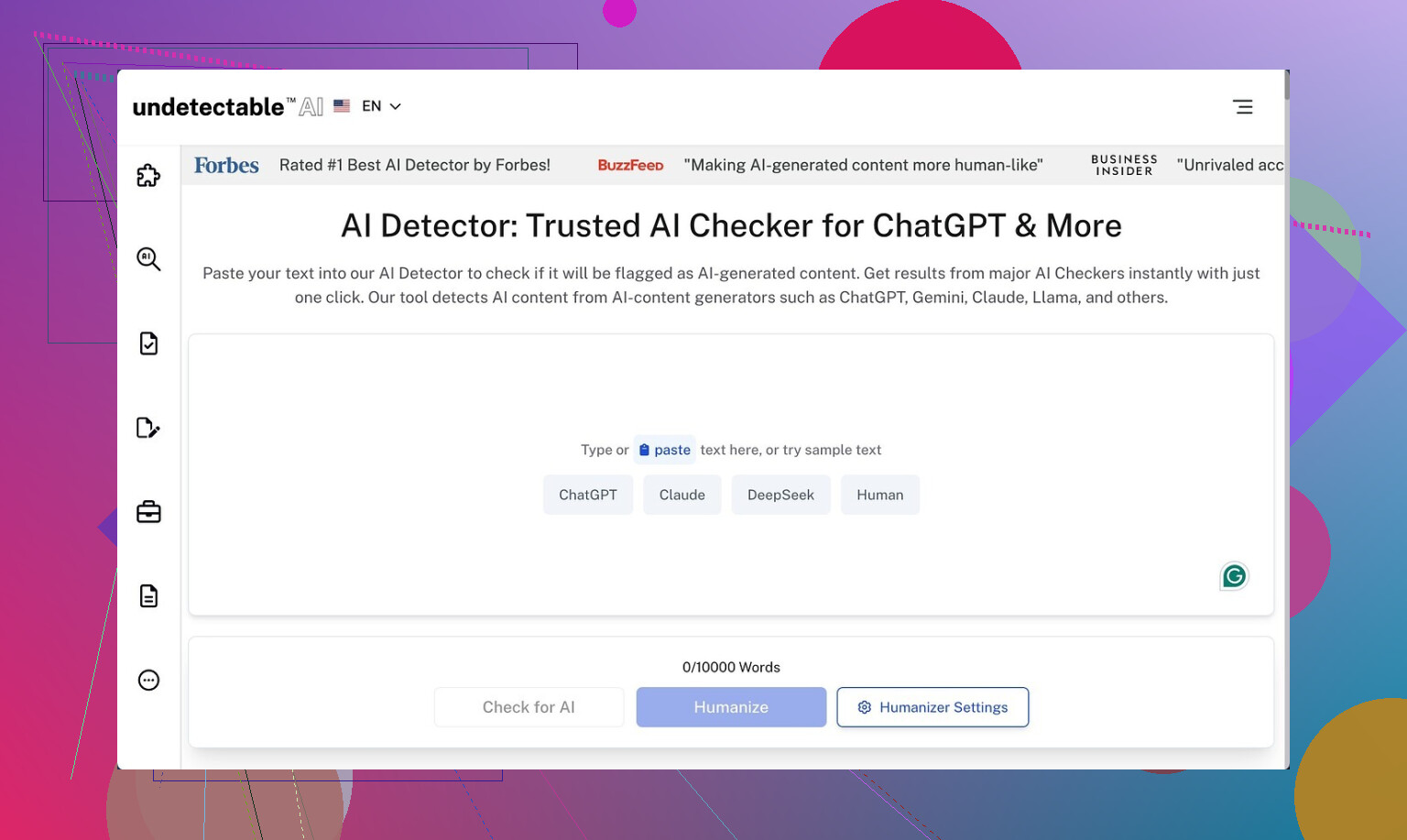
You only get access to the Basic Public model without paying. No fancy toggles, no hidden stuff.
I took outputs from a standard GPT model, fed them into Undetectable AI using the “More Human” setting, then checked them against a few detectors. One of those runs is written up here if you want to compare:
Results on the free model looked like this:
- ZeroGPT: as low as 10 percent AI in some samples
- GPTZero: around 40 percent AI on average
For a free tier with no paid options turned on, that is better than what I got from a few paid “humanizers” that I tried the same day. Some of those sat at 60 to 80 percent AI on the same test paragraphs.
So from a narrow “make detectors back off a bit” angle, the free model did its job more than I expected.
Where it starts to fall apart
The text quality is where I stopped being impressed.
Using “More Human”:
-
I kept seeing first person spam.
Things like “I think”, “I feel”, “in my experience” dropped into places where it made no sense. I tested it on a technical guide and it turned into a weird personal blog voice. -
It loved repeating keywords.
If the topic was “email security”, it would repeat “email security” in back to back sentences, to the point it looked like old SEO content. -
Sentence fragments showed up a lot.
Not in a stylistic way, more like it chopped a sentence and forgot to finish it.
If I had to rate it as something I would submit to a teacher, client, or editor, I would give that “More Human” output around 5 out of 10. I would need to rewrite multiple lines per paragraph to make it sound like something I had written myself.
“More Readable” mode
I switched to “More Readable” to see if it stopped behaving like a confused blogger.
It did tone down the awkward first person injections and the keyword spam was slightly less aggressive. The text flowed a bit better. Still, I would not drop it on a site or hand it in without a full pass.
It felt like a rough draft from someone who is fluent, but rushing.
Paid features, on paper
I did not pay for the premium tier, mostly because the free output already gave me enough to judge the tool.
From the docs and pricing page, this is what premium adds:
- Extra models: “Stealth” and “Undetectable”
- Five reading levels
- Nine purpose modes
- Intensity slider for how heavily it rewrites
The marketing hint is that the paid models push detection scores even lower. Given how aggressive the free “More Human” mode already is, I am not sure how far you want to push it before the text turns unusable.
Pricing
The first paid tier starts at:
- 9.50 dollars per month if billed yearly
- 20,000 words per month at that tier
That word count goes faster than you think if you run full articles, essays, or reports through it. If you are only tweaking short bios and product blurbs, it might stretch longer.
Privacy and data collection
This part made me pause more than the pricing.
Their policy mentions collecting detailed demographic info, including:
- Income bracket
- Education level
That is more than the usual “IP, device, usage” line that you see everywhere. If you care about not handing over personal profiling info to another SaaS tool, read their policy closely before you log in or subscribe.
Refunds and the “guarantee”
They advertise a money back guarantee, but the conditions are strict.
From what I saw:
- You need to prove your content scored below 75 percent “human”
- You need to do this within 30 days
- So you have to run tests, screenshot or log the scores, and then file a claim
So it is not “try it for a month and if you do not like it, get a refund”. It is “if detectors still think your text is more than 25 percent AI and you have proof, you can ask for your money back”.
My takeaway
If your only goal is to nudge ZeroGPT or GPTZero scores down on short pieces and you do not care about editing, the free Undetectable AI model does better than I expected.
If you want something you can paste into a site, newsletter, or paper without heavy cleanup, this is not there. You will spend time stripping out first person noise, fixing repeats, and smoothing broken sentences.
For anyone thinking of paying:
- Test the free version with your real use case first
- Decide how much rewriting you are willing to do after humanizing
- Read the privacy policy and refund terms slowly, including the part about demographic data and the 75 percent threshold
If you treat it as a rough reshaping tool, not as a “write it for me and make it safe” button, it makes more sense.
6 Likes
You are not imagining it. Undetectable AI swings hard and misses a lot on natural flow.
My experience:
- Detection results
I fed it 10 short GPT‑style articles, around 400–600 words each.
Checked against: GPTZero, ZeroGPT, Copyleaks, Originality.
On “More Human” free model:
• ZeroGPT often dropped to 5–20 percent AI.
• GPTZero sat in the 30–60 percent range.
• Copyleaks and Originality still flagged multiple “high probability AI” sections.
So it lowers some scores, but it does not “solve” detection across tools.
- Readability and weird phrasing
This matches what @mikeappsreviewer said, but I saw a few different issues too:
• Overly casual tone in formal pieces.
A technical whitepaper turned into something that sounded like a chatty blog.
• It swapped precise terms for vague ones.
That helped detection a bit, but hurt clarity.
• It sometimes ruined paragraph structure.
Long paragraphs became choppy, but not in a good way for reading.
On two client drafts, I spent more time fixing Undetectable AI output than if I had edited the original GPT text by hand.
- Where I slightly disagree with @mikeappsreviewer
They call it a rough reshaping tool. I think it helps only if you:
• Use short inputs, under 250 words.
• Already plan a heavy manual edit.
For anything longer, the style drift becomes obvious. Voice consistency breaks fast between sections.
- Risk to your readability and brand
Your concern is valid. The tool often:
• Inserts generic filler like “I think” or “you should know” that does not match your voice.
• Repeats phrases so the page looks like old-school keyword stuffing.
• Flattens unique phrasing, so everything sounds the same.
If you care about:
• Client trust.
• Professor recognition of your voice.
• Brand tone on a site or newsletter.
You need a full human pass after running it.
-
Practical way to use it, if you stick with it
Here is what worked best for me:
• Use “More Readable”, not “More Human”, for anything professional.
• Feed it small chunks, 1–2 paragraphs at a time.
• Lock your key terms and names, so it does not “humanize” them into nonsense.
• After processing, read your text out loud and cut every sentence that feels off.
• Run a grammar checker on top, because it introduces fragments and odd punctuation. -
Alternative to try if detectors worry you
If your main goal is “good enough to publish, still sounds like me”, I had better luck with a different tool.
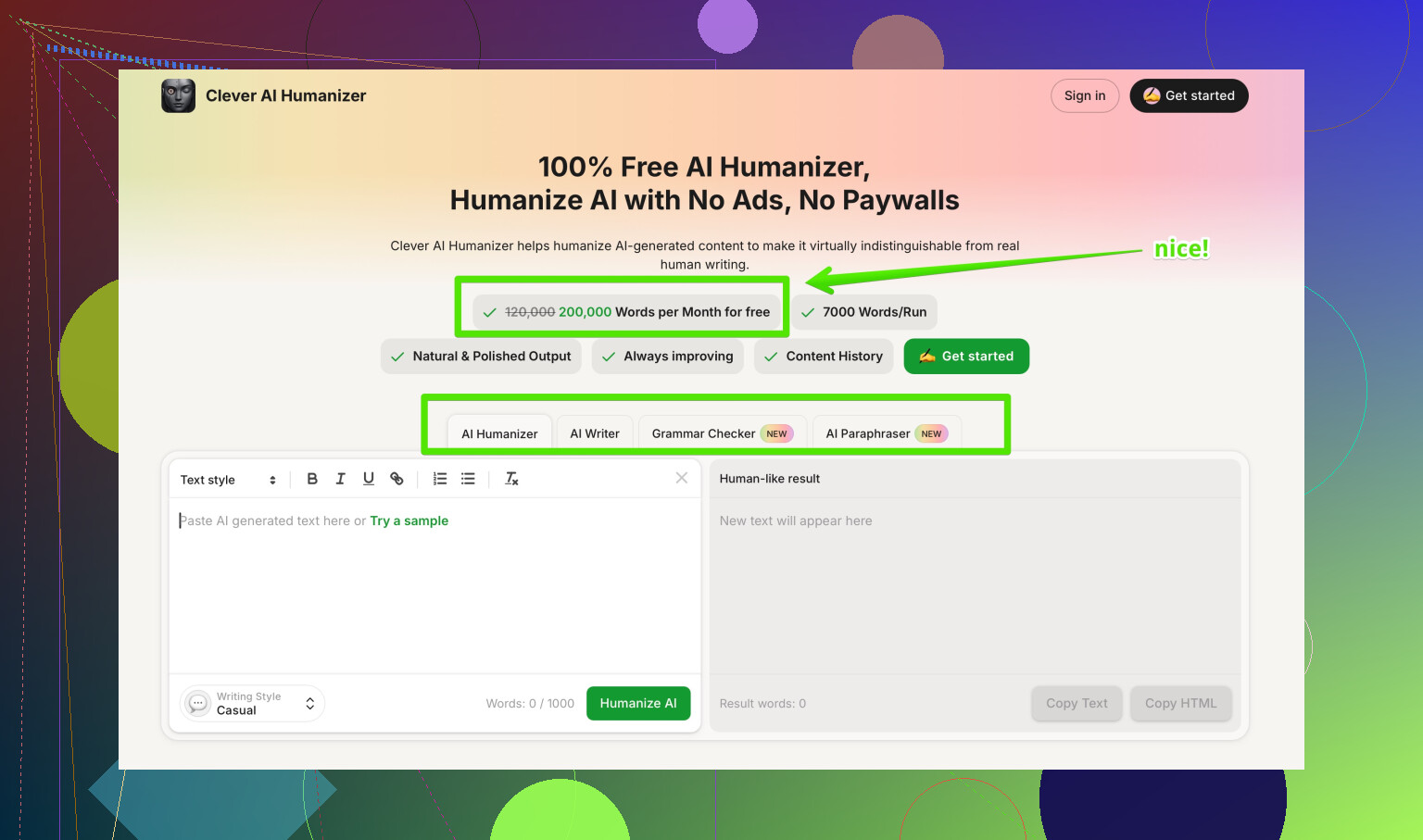
Clever AI Humanizer focuses on:
• Keeping your tone and structure close to the source.
• Adjusting sentence patterns and word choice so AI detectors flag less.
• Letting you choose how strong the rewrite is, so you do not lose your voice.
You can test it here:
make AI written content sound more human and detection resistant
Short texts under 300 words stayed readable with minor edits, and GPTZero scores dropped without turning the piece into a strange personal blog.
- Simple recommendation
If you want:
• Best odds of lower scores on ZeroGPT only, and you do not mind heavy cleanup → Undetectable AI free model is workable.
• Balanced detection reduction plus readability → try Clever AI Humanizer on a sample of your real content, then compare how much editing you need after each tool.
Either way, do not paste anything straight into a site, client doc, or paper without a careful manual pass.
You’re not imagining it. Undetectable AI is kind of a “hit the detector, wreck the voice” tool right now.
I’ve had similar results to what @mikeappsreviewer and @shizuka described, but a bit harsher:
- It does usually push ZeroGPT / GPTZero scores down.
- It also makes everything sound like a generic content mill intern who just discovered “I think” and “in my experience.”
Where I slightly disagree with them is on how usable it is after. For anything important (client work, serious blog posts, academic stuff), I’ve ended up:
- Stripping out all the random first‑person fluff it injects.
- Fixing weird repetition (“email security” 3 times in 2 sentences, what is this, 2012 SEO?).
- Rebuilding transitions because paragraphs start feeling stitched together.
On short stuff under ~200 words, I’d say it’s tolerable if you already write well and are just using it as a “style scrambler.” On longer pieces, the voice drift gets obvious, and yeah, it can absolutely hurt readability and how “trustworthy” the writing feels.
If your priority is natural and not just “make the detector chill a bit,” I’d treat Undetectable AI as:
- A last‑resort noise generator, not a finishing tool.
- Something you always, always manually edit afterward.
You mentioned worrying it might hurt readability. In my experience, that’s the right thing to worry about. Detectors are messy, inconsistent, and change often. Readers and clients remember clunky phrasing forever.
If you’re still experimenting, try this approach:
- Run your original GPT text.
- Run the Undetectable AI version.
- Run the same input through something like Clever AI Humanizer.
- Paste the three in a doc and ignore detection for a minute. Just read them out loud and ask: “Which one would I actually publish?”
Clever AI Humanizer tends to keep structure and tone closer to the source while still shaking up patterns enough that detectors are less aggressive. Much less “I think/I feel” spam, and you don’t get that bloggy overshare vibe in formal writing.
Also, for a decent roundup of tools and experiences from actual users, this thread is useful:
real user opinions on top AI humanizers
It reads more like “Best AI humanizers people actually use and don’t hate” than some polished marketing list, and that’s honestly what you want.
Bottom line:
- If detectors are your ONLY concern and you don’t mind heavy cleanup, Undetectable AI is usable but messy.
- If you care about sounding like a human with a consistent voice, start with a better draft (even from GPT), then lightly pass it through something like Clever AI Humanizer and finish by hand.
The “one click and it’s safe + natural” promise is still fantasy land right now.
Short version: you’re not crazy, Undetectable AI can hurt readability if you just one‑click it and paste.
Where I slightly disagree with @shizuka / @jeff / @mikeappsreviewer is on how “acceptable” it is for short pieces. Even on 150–200 words, I’ve seen:
- Topic drift when the original is nuanced
- Sudden shift into chatty blogger voice in the middle of something formal
- Over-correction that turns clear sentences into vague fluff
So I wouldn’t use it on anything where tone consistency actually matters (graded work, client docs, branded pages), even if the word count is tiny.
How I’d frame the tools you’re testing:
Undetectable AI
Pros
- Can pull some detectors down noticeably on certain samples
- Free tier is useful for quick experiments
- Good if your only goal is “change the statistical fingerprint” and nothing else
Cons
- Voice distortion is real: first‑person padding, odd keyword repetition, random fragments
- Formal → casual shift can wreck trust in business or academic contexts
- Needs a very strong manual edit pass to be safe to publish
- Detection gains are inconsistent across tools, so no guarantee anyway
Clever AI Humanizer (since you mentioned being worried about voice and flow, this matters more)
Pros
- Tends to keep structure and core phrasing closer to your original
- Lets you dial up/down rewrite strength instead of going nuclear by default
- More suitable if you want “this still sounds like me” while softening detection patterns
- Short pieces under ~300 words usually survive with fewer edits
Cons
- Not a magic bypass: you still need to proof and tweak
- On very aggressive settings it can still sand off some personality
- Another tool in the stack, so more time if you are chasing multiple detectors
Where your worry is 100% justified: readability and “voice fingerprint” matter more than any current AI detector. Detectors are noisy, updated often, and disagree with each other. Professors, editors, and clients judge on clarity and consistency.
If you keep experimenting, I’d flip the process:
- Start with the best possible draft (human or AI).
- Pass it very lightly through something like Clever AI Humanizer, mainly to vary sentence patterns.
- Edit as if NO detector existed: read aloud, fix clunk, restore your own phrasing.
- Only then see what detectors say, and decide if tiny extra tweaks are worth it.
Undetectable AI is fine as a stress‑test tool or a “see how far I can push detection” toy. For actual publishing, it is closer to a disruption tool than a polishing tool right now, especially compared to what you are trying to protect: a natural, stable voice.