My iPhone storage is full, and I keep seeing iCloud upgrade options that look like monthly plans. I only need extra space for photos and backups, so I’m trying to find out if Apple offers a one-time payment for more storage instead of a subscription. I’d appreciate help հասկing what my options are for iPhone storage upgrades.
I ran into this on my own iPhone, and the part people usually miss is the split between iCloud space and the storage built into the phone.
Apple does not sell iCloud as a one-time purchase. It is monthly. The usual tiers are $0.99 for 50GB and $2.99 for 200GB. If you want a one-and-done way to hold more files, the only real route is hardware. A larger-capacity iPhone works. So does an external Lightning or USB-C flash drive. I used to move photos off to a SanDisk iXpand style drive, then delete them from the phone. No new account, no monthly bill.
Your iPhone’s internal storage is fixed. You do not add more gigabytes to the phone later. What you do instead is squeeze back what is already there.
One setting helped more than I expected. Go to Settings > Photos and turn on Optimize iPhone Storage. The phone keeps smaller versions on-device, while the full copies stay in the cloud. If your free 5GB on iCloud is already gone, you still have other places to park stuff. Google Photos gives 15GB free. Dropbox gives 2GB free. Back up first, then remove the originals from the phone after you confirm they copied over.
Another spot worth checking is cached data. Safari and apps pile up temporary files over time, and on some phones it gets ugly. I cleared mine through Settings > Apps > Safari > Advanced > Website Data, then tapped Remove All Website Data. I got back more space than I expected. Also look at Offload App in the iPhone Storage section. Offloading removes the app itself but keeps its documents and saved data, so when you reinstall, your stuff is still there.
I did not take storage warnings seriously until the phone started acting tired. Camera opened slow. Apps closed on their own. Typing lagged here and there. Low free space was a big part of it. iPhones seem to run worse when storage gets packed too tight.
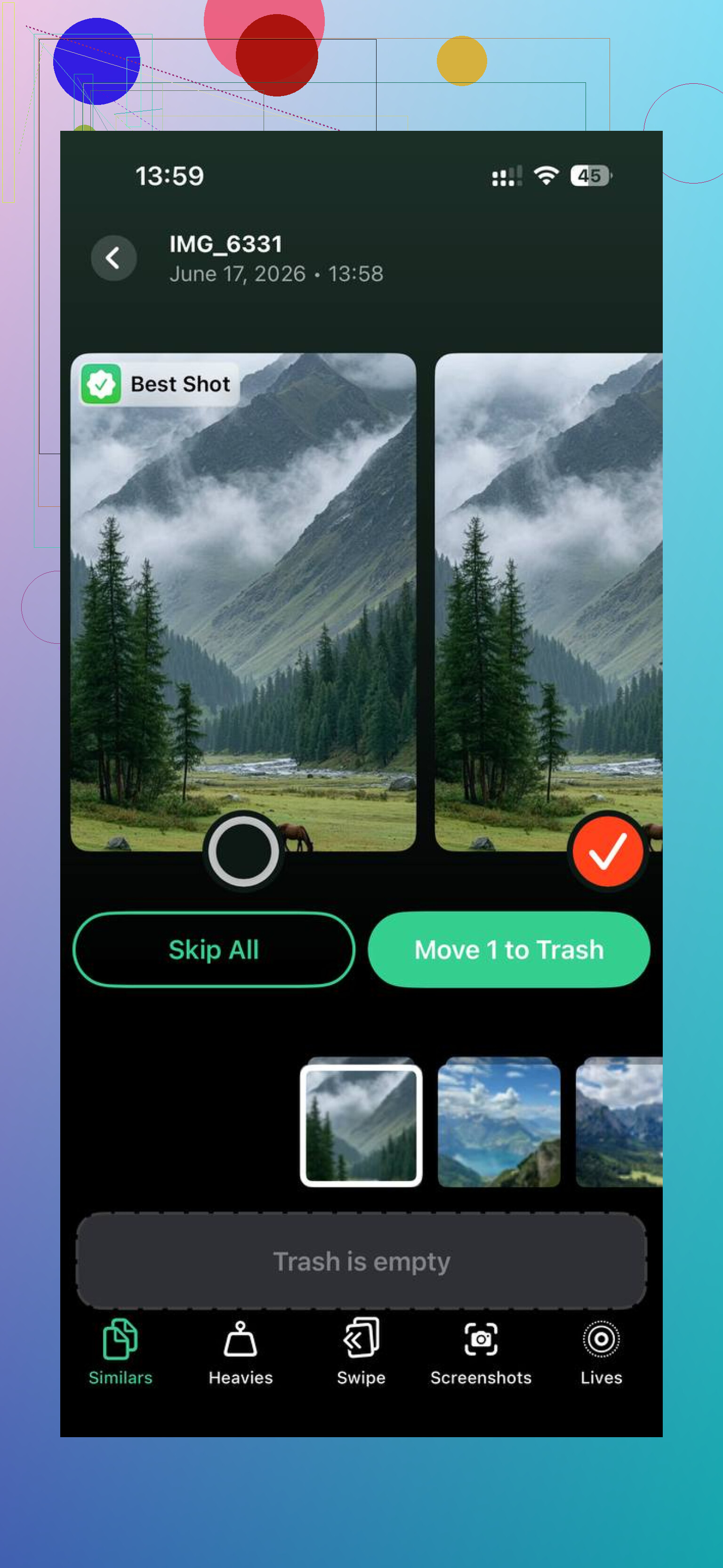
I tried cleaning manually first. It was miserable. Thousands of photos, duplicate screenshots, blurry shots, random 4K clips from who knows when. I ended up using an app called Clever Cleaner, here’s the link it came from:
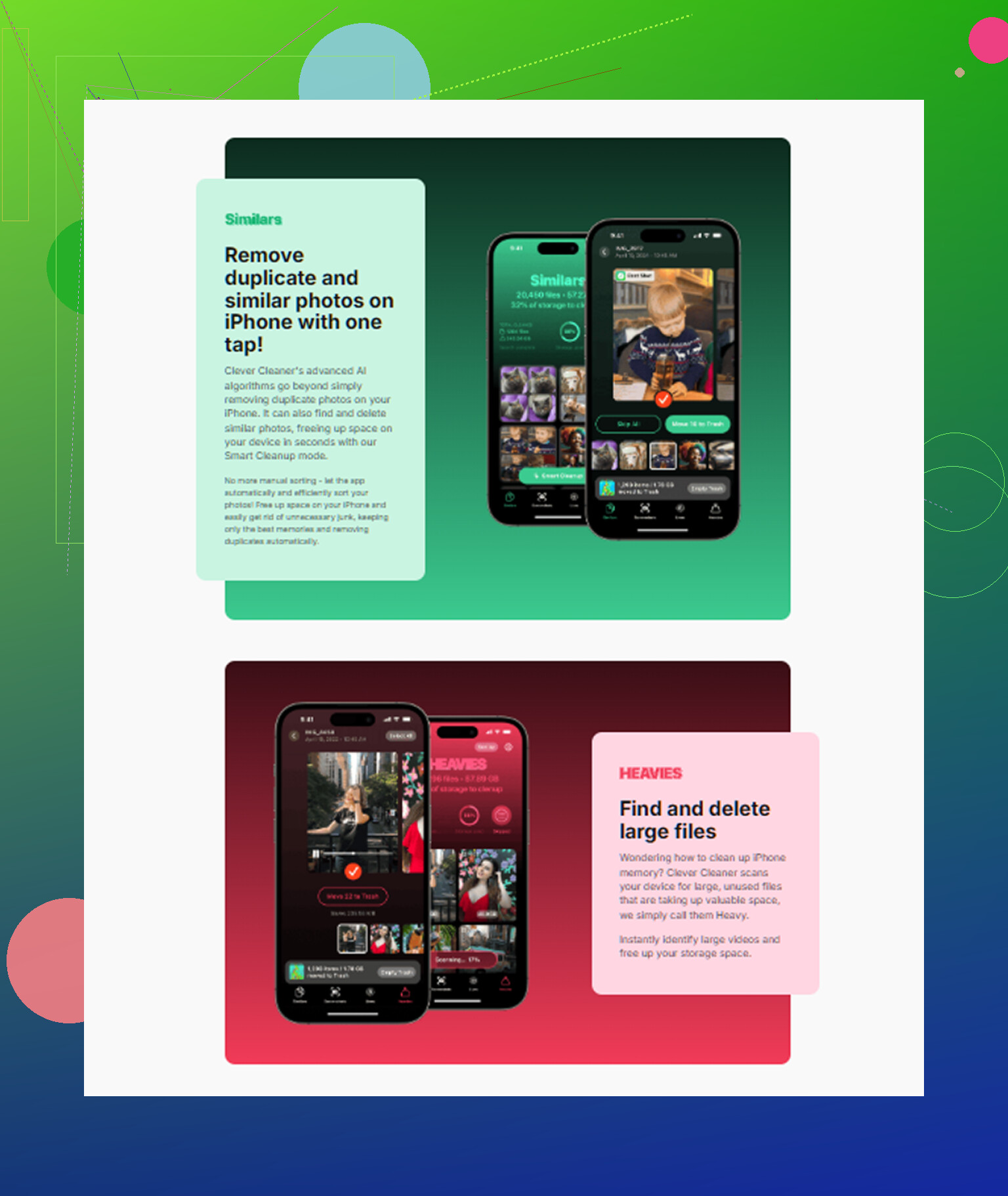
What sold me was the file-size view. There’s a Heavies section, and it made the problem obvious fast. A few forgotten videos were eating gigabytes by themselves. More than whole batches of photos. There is also a Similars section, which helped because I always take six or seven versions of the same picture and keep them all by accident.
The part I liked most was privacy. It handled the scan on the phone itself, not by pushing my library to some server. I could see the size of each screenshot, photo, and video before deleting anything. After one cleanup I freed about 15GB, and the lag eased up right away. Not magic, still the same phone, but it stopped feeling clogged.
If you do not want a subscription, I’d start here in this order.
1. Check iPhone Storage and see what is biggest.
2. Turn on Optimize iPhone Storage.
3. Clear Safari website data.
4. Offload apps you rarely open.
5. Back up photos to Google Photos or Dropbox if iCloud is full.
6. Move old media to an external drive if you want a one-time storage purchase.
7. Sort your photos by file size and remove the worst offenders first.
That route saved me from paying monthly, at least for now.
10 Likes
No. Apple does not offer a one-time payment to add more iPhone storage.
Two separate things are getting mixed together.
- iPhone storage, this is the chip inside the phone. Fixed for life.
- iCloud storage, this is online storage. Apple sells it as a monthly plan only.
So if your goal is more room for photos and backups, your choices are:
- Pay monthly for iCloud+
- Move stuff off the phone to a computer or external SSD
- Use another cloud service
- Clean up what is already eating space
I agree with @mikeappsreviewer on the core point, but I think external flash drives are a bit overrated now. They work, but they get annoying fast, and manual transfers are easy to forget. If you already have a Mac or PC, a local backup to the computer is cleaner and costs $0 if you own the storage already.
For backups, Finder on Mac or Apple Devices app on Windows lets you back up the iPhone locally. One-time cost, no subcription. For photos, you can import them to your computer, then remove them from the phone.
If your storage is full because of media clutter, Clever Cleaner is worth a look for cutting duplicate photos, large videos, and screenshots. This page explains it fast and clearly, see how Clever Cleaner frees up iPhone storage in 30 seconds.
Short version, no one-time Apple purchase exists for extra iPhone or iCloud storage. It’s monthly for iCloud, or one-time hardware on your side. Annoying, yep. But taht’s the setup.
Nope. Apple doesn’t sell extra iPhone storage as a one-time add-on.
What @mikeappsreviewer and @sterrenkijker said about the split is the key part: built-in iPhone storage is permanent, iCloud storage is subscription-only. There’s no hidden “buy 128GB forever” button anywhere. Kinda annoying, but that’s Apple.
One thing I’d add though: if you only need space for backups, paying for iCloud for just a month or two can actually be cheaper than buying hardware. Not saying subs are fun, just saying a one-time gadget purchase isn’t always the smarter move if your storage crunch is temporary.
If you want to avoid monthly costs long-term, I’d look at:
- local backups to a Mac or PC
- moving your photo library off the phone entirely
- cleaning junk before buying anything
Also, don’t assume “photos” means only your camera roll. Messages attachments, downloaded files, and edited video projects can eat a stupid amount of space too. That’s where a cleanup app can help more than manually poking around menus. Clever Cleaner is actually useful for spotting duplicate pics, big videos, and screenshot clutter fast. If you want a clearer breakdown, check out the best AI cleaner apps for iPhone storage cleanup.
Short answer: no one-time Apple payment exists for more storage. Either subscribe to iCloud+, free up space, or use your own hardware/computer. Kinda dumb, but taht’s the system.