My iPhone has been running really slow lately, especially when opening apps and switching between them. I’m almost out of storage, so I’m wondering if deleting photos, apps, and other data will actually make it faster or if it only frees up space without improving performance. What should I focus on clearing, and are there any risks or better ways to speed it up without losing important stuff?
Short answer. Yes, clearing storage helps, but only up to a point.
When your iPhone storage is close to full, iOS has less room for:
- App caching
- Temporary files
- System updates and background tasks
That slows down:
- App launches
- App switching
- Camera opening and photo saving
- Safari page loads
What helps most:
-
Check how full it is
Settings > General > iPhone Storage
If you are above 90 percent used, you will feel it. Under 80 percent tends to run smoother. -
Delete or offload heavy apps
Sort by “Largest apps” in iPhone Storage.
Remove games you do not use, big social apps you ignore, old video editors, etc.
Use “Offload App” if you want to keep the data. -
Clean up Photos and Videos
Videos eat space fast.
- Delete old screen recordings.
- Remove duplicate shots and long 4K clips.
- Empty the “Recently Deleted” album, or the space stays taken.
If you sync to iCloud, turn on “Optimize iPhone Storage” in Photos. That keeps smaller versions on your phone.
- Messages and WhatsApp
Message threads with lots of photos and videos slow things.
- In Messages, go to a chat > tap name > Info > see large attachments and delete.
- In Settings > Messages, set “Keep Messages” to 1 Year or 30 Days, not Forever.
-
Clear Safari junk
Settings > Safari > Clear History and Website Data.
This frees storage and can fix slow loading. -
Background stuff
- Restart the phone after a big cleanup.
- Check Settings > General > Background App Refresh and turn it off for apps you do not need running.
- Use a cleaner app if you hate manual work
If you have tons of duplicate photos, blurry shots, random screenshots, a helper app saves time.
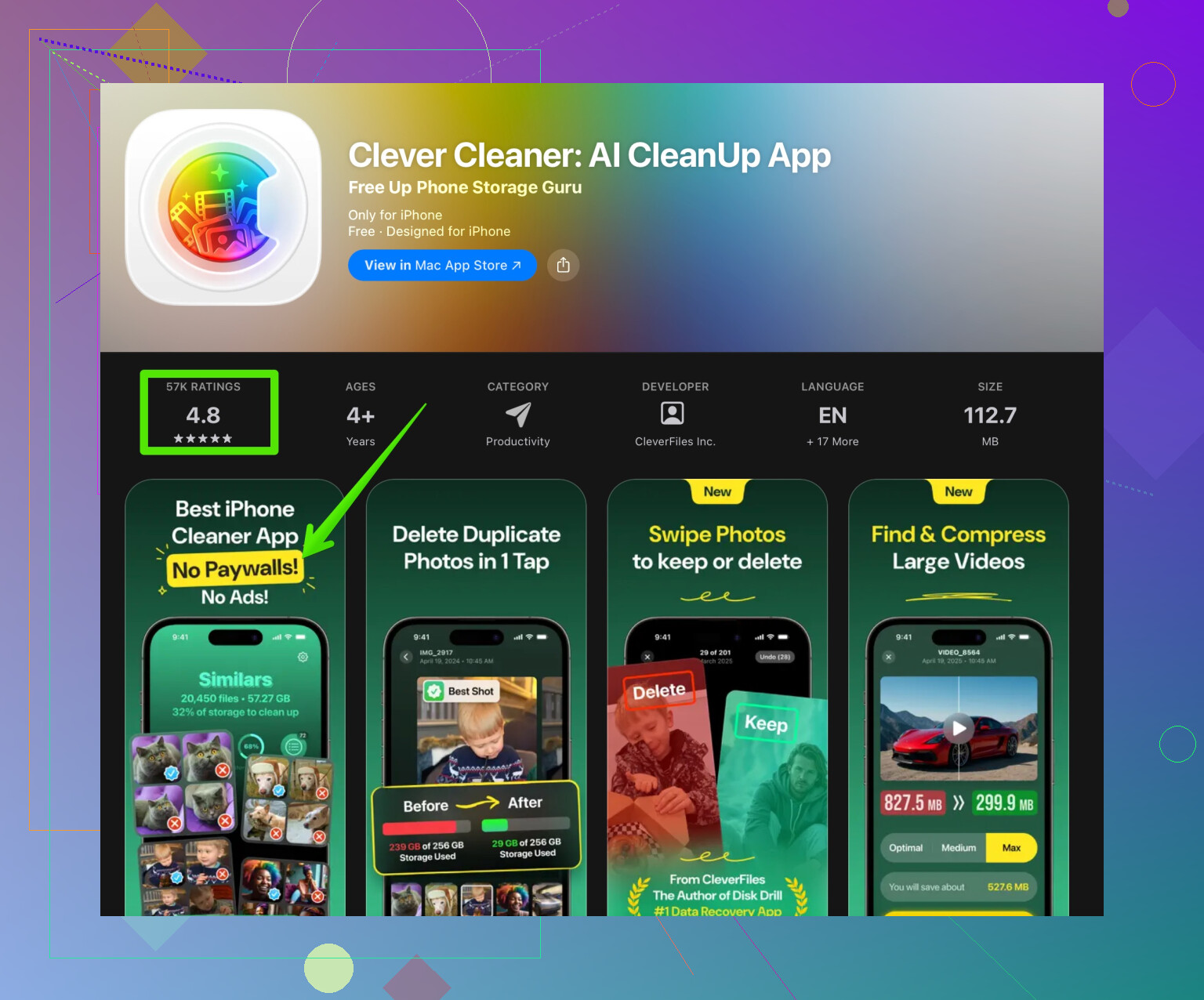
Something like Clever Cleaner App for faster iPhone storage cleanup helps find duplicate photos, similar pics, and large junk so you do not tap hundreds of files by hand.
What to expect performance wise:
- If you free 5 to 20 GB, you usually see faster app launches and fewer freezes.
- If your iPhone is old and the battery health is low, storage cleanup helps, but the CPU and battery still limit speed. Check Settings > Battery > Battery Health.
So yeah, delete stuff, get at least 10 to 15 percent free space, restart the phone, and you should notice it feels less laggy. If it still runs slow after that, the issue is more about old hardware or a worn battery than storage.
18 Likes
Short version: yes, clearing storage can make your iPhone feel faster, but it’s not a magic “new phone” button and it only fixes one of several bottlenecks.
@cazadordeestrellas already covered the obvious stuff like deleting big apps, photos, messages, etc., so I’ll try not to repeat the same checklist.
Why low storage actually slows things down
When your storage is almost full, iOS has a harder time doing things like:
- Writing temp files while apps are opening or switching
- Caching stuff for faster reload
- Installing app updates and system updates in the background
So when you open an app, the system keeps juggling space, clearing old caches, re-downloading assets, and that’s what makes it feel laggy and stuttery.
But here’s the part people skip: if your phone is slow even when you have, say, 20–30% free, then storage is not the main culprit anymore.
Signs it’s not just a storage problem
If you notice stuff like:
- Keyboard lag when typing
- Frame drops and choppy animations even on the home screen
- Phone getting warm with very light usage
- Battery percentage dropping fast
then it’s more about:
- Old CPU / GPU struggling with newer iOS versions
- Battery health throttling performance
- Too many background processes and push services
Clearing storage alone will barely touch those.
So yeah, I mildly disagree with the idea that “free 5–20 GB and you’re good.” It helps, but on older iPhones it’s more like removing a backpack from someone who is already tired. Better, but they’re still slow.
Extra things to try that aren’t just “delete stuff”
Since your apps and app switching are slow:
-
Check battery health & throttling
- Settings > Battery > Battery Health
- If you see Peak Performance Capability reduced or below 80% health, iOS can throttle your CPU.
- In that case, even with tons of free storage, it will still feel sluggish. Battery replacement helps more than any storage cleanup.
-
Reduce what iOS has to render
Small thing, but it adds up on older devices:- Settings > Accessibility > Motion > Reduce Motion: ON
- Also in Display & Brightness, turn off True Tone and maybe lower brightness.
It won’t “fix” storage, but it can make the UI feel more responsive.
-
Check iCloud syncing / indexing
If you just turned on iCloud Photos, iCloud Drive, or restored from backup, the phone spends hours quietly indexing and syncing.
During that period, everything feels like molasses.
Plug it in, connect to WiFi, lock the screen, leave it for a while and let it finish. -
Watch out for “chat app bloat”
Yes, deleting attachments helps, but also check if apps like WhatsApp, Telegram, Discord, etc. constantly stay alive in the background.
In their own settings, turn off auto-download of big media so the problem doesn’t keep coming back.
A different angle on cleaning: smarter, not just more
If you hate manually hunting junk and duplicates, a dedicated cleanup tool does make your life easier. Instead of poking through each album and chat:
- Use something like the Clever Cleaner App to quickly find:
- Duplicate and similar photos
- Blurry shots and useless screenshots
- Huge video files and other storage hogs
If you want something fast and SEO friendly to check out, this link is solid for smart iPhone cleanup and performance optimization. Beats scrolling through thousands of pics trying to remember what to delete.
Realistic expectations
If your iPhone is nearly full right now and you:
- Free at least 10–15% of total storage
- Restart the phone afterward
- Let it sit plugged in on WiFi for a bit so it can re-index
you should see:
- Faster app launches
- Less freezing and stuttering
- Fewer random reloads when switching between apps
If after that it is still painfully slow, then:
- Battery health / throttling
- Age of the hardware
- Running the very latest iOS on a very old device
are probably the real villains, not just a stuffed storage.
So yeah, delete stuff, use a cleanup tool if you don’t want to spend your weekend mass-deleting screenshots, but also keep an eye on battery and background processes. Storage is just one piece of the puzzle, not the whole story.
Short version: low storage is one speed killer, but not always the main one, and sometimes clearing stuff is treated like a miracle cure when it’s actually just a band‑aid.
I partly disagree with @cazadordeestrellas on one point: on some devices, freeing only 10–15% is not enough. iOS often behaves nicer when there is a lot of slack space. Think closer to 25–30% free if you’re right at the edge now, especially if you shoot 4K video or use heavy games.
Instead of repeating all the “delete apps / photos / messages” basics, here are a few angles people usually skip:
-
Check how you’re filling storage, not just how much is free
- If most of your space is in a few huge games or offline Netflix/Spotify downloads, you get very little speed benefit until you nuke those big chunks.
- If storage is mostly photos and small apps, freeing 2–3 GB in tiny bits rarely changes how quickly iOS can create temp files. Big deletions help more than a thousand tiny ones.
-
Slow app switching can be RAM pressure, not just storage
- When apps reload every time you switch, that is often because your phone does not have enough RAM for what you’re doing.
- Clearing storage only indirectly helps by reducing background indexing and cached junk. It does not magically increase RAM. So if you always keep lots of heavy apps open, you will still see reloads even after a big cleanup.
-
Background “noise” matters
- Many apps keep doing stuff when you are not using them: location, VoIP, sync, analytics.
- Turn off Background App Refresh for apps that do not need it. That can make the phone feel faster, because fewer things compete for CPU and storage writes.
- This is where I think people overrate storage clearing. Killing useless background activity can be a bigger win than freeing 5 GB.
-
Use cleanup tools, but treat them as helpers, not magic
The Clever Cleaner App is actually useful for:
Pros:- Quickly spotting duplicate or very similar photos that you would never manually find.
- Surfacing huge videos, screen recordings and old screenshots that quietly eat space.
- Good if you do not want to dig through every album and chat thread.
Cons: - You still need to double‑check before deleting, or you might lose photos you care about.
- It does not fix deeper problems like a worn battery, limited RAM or a very old chip.
- Can tempt you into “set and forget” cleaning, which sometimes hides the real issue (like one app constantly re‑downloading media).
So yes, something like Clever Cleaner App is great to speed up the cleanup process, not a performance optimizer in itself.
-
When clearing storage really won’t help much
- If animations lag even with 30% free and nothing is installing in the background, storage is probably not your main bottleneck.
- If you are on a very old iPhone running the latest iOS, the CPU/GPU simply struggles. At that point, cleaning storage is more about avoiding crashes than gaining speed.
- If your battery health is low and performance management is active, the phone will stay sluggish until the battery is replaced, regardless of free space.
To sum it up:
- Yes, clearing storage can make the iPhone feel snappier, especially if you are almost full and you remove large, write‑heavy apps or media.
- No, it will not turn an aging, throttled device into a fast one.
- Use a tool like Clever Cleaner App to make the cleanup painless, but combine that with checking battery health, pruning background refresh and being realistic about what your hardware can do.