I accidentally deleted a batch of camera photos from my memory card, and some of them are really important. I’m looking for the best image recovery software for camera photos that actually works and is safe to use. If anyone has recommendations for reliable photo recovery tools or tips to improve my chances of getting the pictures back, I’d really appreciate the help.
Lost photos on an SD card, what I did and what worked
I had a couple ugly moments with missing photos, once after a trip, once after a paid shoot. You open the card, expect relief, get punched in the throat instead. After the first mess, I started trying recovery apps way more than I wanted to.
First thing, stop touching the card.
No more photos. No more video. Do not copy anything onto it. Leave it alone.
When files get deleted, they often sit there until new data lands on top of them. I learned this the hard way. Every extra write cuts your odds. So if your files matter, treat the card like evidence and stop using it.
The one I keep going back to
For me, Disk Drill has been the easiest pick.
I tried a pile of other tools over time. Some felt made for lab techs. Some looked simple and then whiffed on the scan. Disk Drill kept landing in the sweet spot for me. Good recovery rate, low friction, no weird learning curve.
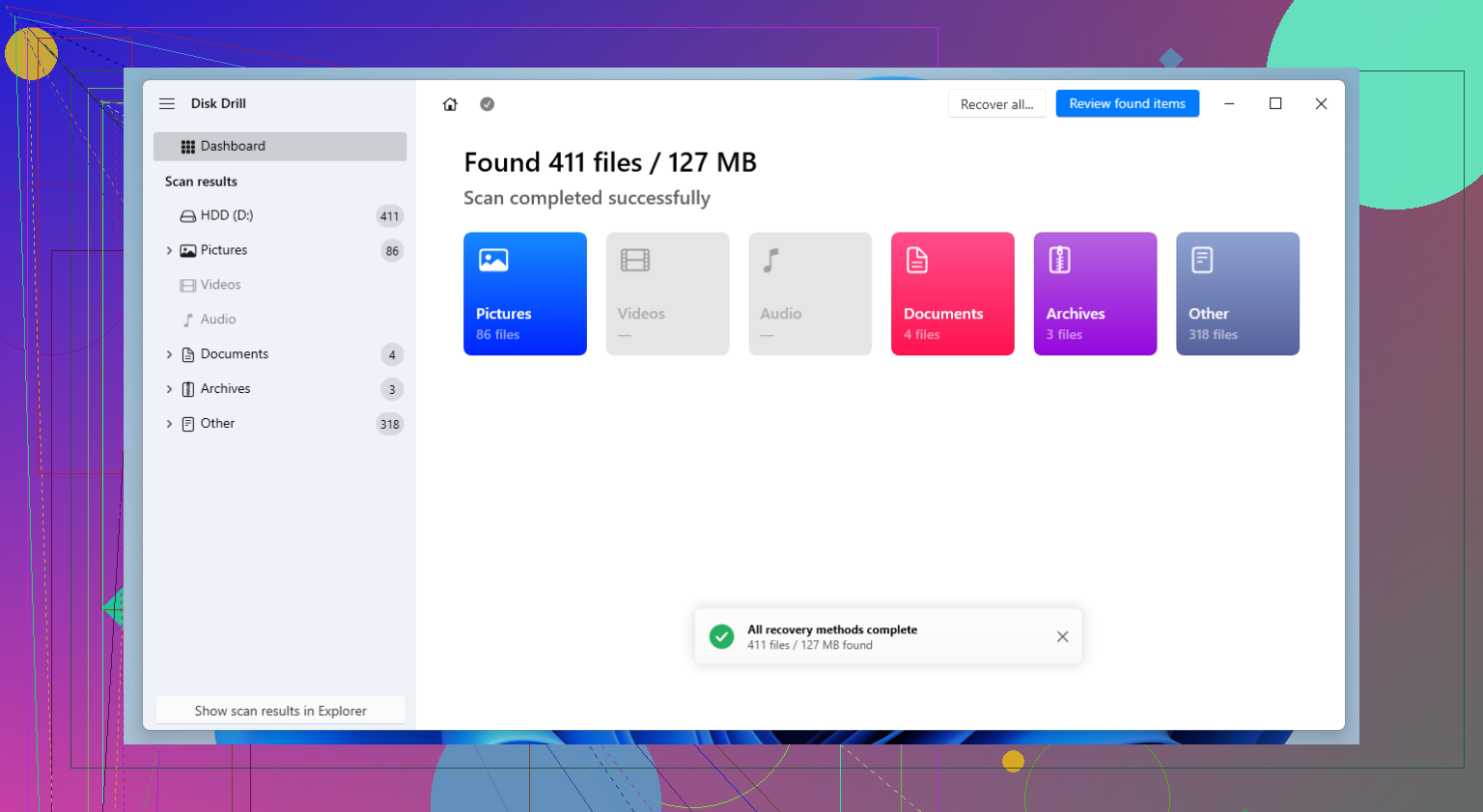
I used it with SD cards, SSDs, USB drives, external hard drives, the usual junk drawer of storage. What stuck with me was the workflow. Install it, scan the drive, preview results, pull files out. I didn’t need to spend 45 minutes poking around menus to figure out where my photos went.
Why it stood out for camera files
One part I paid attention to was its Advanced Camera Recovery option.
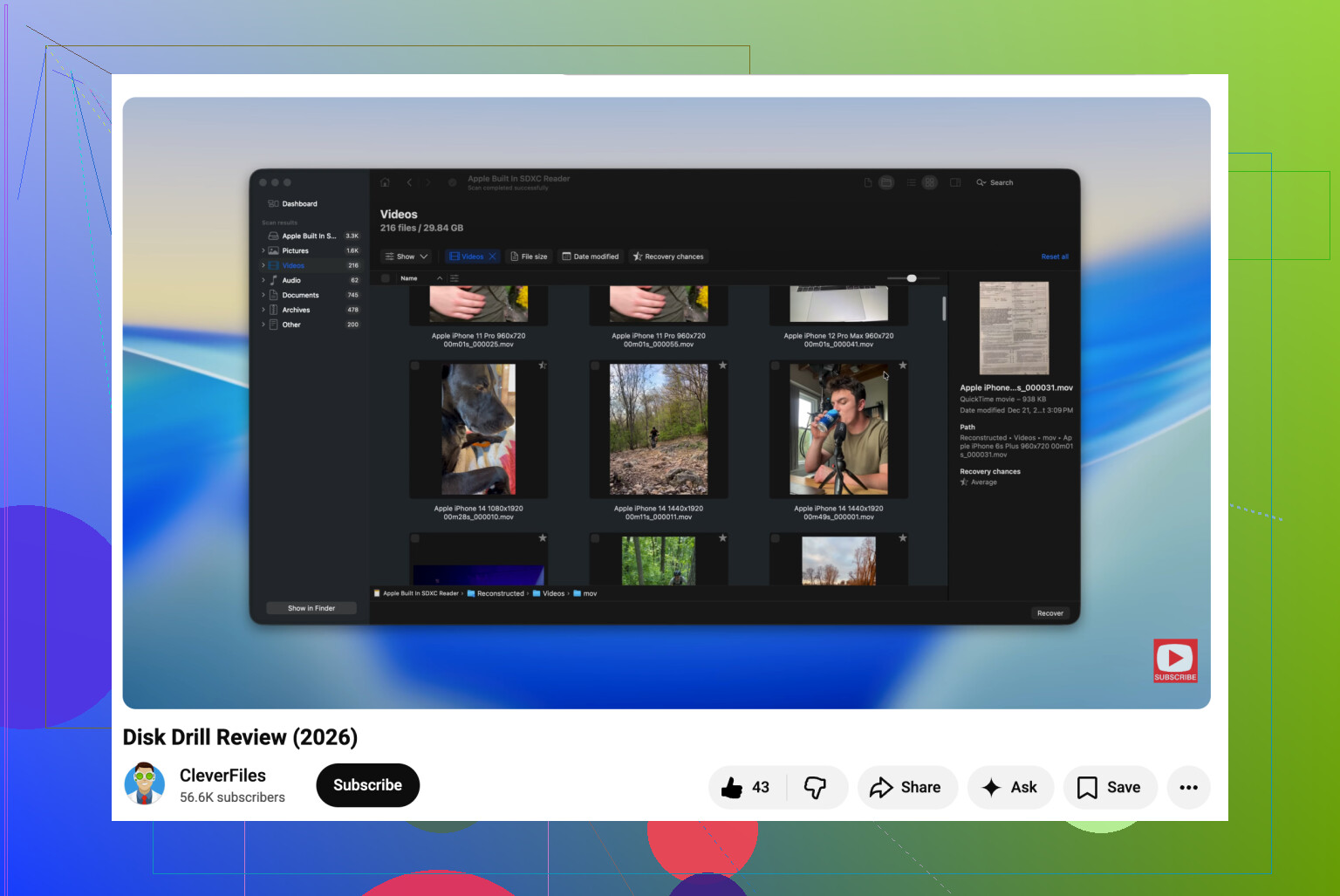
This matters more if you shoot video. A lot of recovery tools find chunks of video and then leave you with a broken file. This one does a better job rebuilding footage from cameras, drones, and action cams. If you’ve ever had a file show up but refuse to play, you know why this matters.
RAW support is decent too. If you shoot Canon, Nikon, Sony, Fujifilm, or something else in that lane, it handles a broad spread of formats. I care about this because JPG-only recovery feels useless when your real work was in RAW.
Other tools people keep bringing up
I don’t use these in my normal routine, but they come up all the time, and for good reason.
R-Studio
This one has a strong rep with advanced users.
From what I saw, it’s built for people who are fine dealing with damaged partitions, messed-up file systems, and uglier recovery jobs. It looks serious because it is. If you know storage stuff, it might fit. If you’re a photographer trying to get wedding shots back before panic sets in, the interface feels a bit much.
R-Photo
Same company as R-Studio, but narrower focus.
It leans into photo and video recovery, and people like it because it’s free and easier to approach. If your issue is a camera card and not a whole broken drive setup, this is one of the first free options I’d at least test.
Recuva
Old name, still around.
People recommend it for simpler accidents, deleted photos from a healthy card, small mistakes, clean recoveries. It has a free version and the layout is easy enough. I wouldn’t reach for it first if the card is corrupted or acting weird. For rough cases, it starts to feel out of its depth.
PhotoRec
This one has a loyal crowd, and I get why.
It’s free, open source, and it scans by file signatures instead of trusting the file system. So when a card is formatted or half-broken, PhotoRec sometimes pulls stuff other tools miss. The catch is the cleanup after. File names often come back scrambled or gone. Folder structure too. If it recovers 2,000 files, you’re sorting 2,000 files. I did this once. It sucked.
DiskDigger
I see this one mentioned more for phones, especially Android.
People seem to like how light it is and how fast you get moving. For simple deleted image recovery, it makes sense. I don’t run into many people using it for bigger SD card jobs with RAW files or messy video recovery. Feels more limited in those cases.
The software matters less than your next move
This part gets skipped too often.
Right after data loss, your behavior matters more than the brand name on the recovery app. Do not recover files back onto the same card. Save them somewhere else. Then open the recovered files and check them before you start cleaning up or formatting anything.
I’ve seen people recover first, verify later, and end up with a folder full of files that existed but were unusable. Don’t do that.
After recovery, fix your backup habits
Once I got burned, I changed how I handled cards.
At minimum, copy your photos to a second drive after every shoot. If you travel a lot or shoot for clients, spreading work across multiple SD cards helps too. One bad deletion or one dead card hurts less when your whole day isn’t sitting on a single piece of plastic.
That was the main lesson for me. Recovery software helps. Your habits save you.
14 Likes
If the card still mounts and you only deleted photos, I’d start with Disk Drill. It’s one of the safer picks for camera photo recovery because the scan is read-only, previews are solid, and it finds JPG plus many RAW formats. For most people, ease matters. Panic makes clunky tools worse.
I partly disagree with @mikeappsreviewer on one thing. I would not jump to the most advanced tool first unless the card is damaged or the file system is broken. For simple deletion, a clean workflow wins.
My order would be:
- Disk Drill for deleted camera photos and RAW files.
- R-Photo if you want a free test.
- PhotoRec if filenames are already toast and you only care about getting image data back.
Important part, recover to your computer, not back to the memory card. Check a few files before doing anything else. If the card is acting flaky, stop messing with it and make an image of it first.
If you want a broader guide on photo recovery software for camera pictures, this roundup is decent:
best photo recovery software for lost camera images
Short version, for deleted camera pics, Disk Drill is the best first shot. If it misses stuff, move to PhotoRec. Save evrything elsewhere.
I’d split this by what kind of loss you actually had, because people throw “best photo recovery software” around like it’s one-size-fits-all.
If the card still reads normally and you just deleted pics, I would not overcomplicate it. @mike34 is right about starting with something usable, but I also think people oversell the super-barebones free tools. Time matters when you’re stressed and sorting junk results is annoying as hell.
My short list:
-
Disk Drill
Best balance of easy + effective for deleted camera photos. Good if you need JPG, RAW, and previews before restoring. That preview part matters more than ppl think, because some apps “recover” files that are basically corpses. -
PhotoRec
Great when the card is messed up or formatted, but the file organization is a train wreck. Powerful, yes. Pleasant, no. -
R-Photo
Worth trying if you want free first. I just wouldn’t expect miracles on every card.
Where I mildly disagree with @mikeappsreviewer and @mike34 is this: recovery rate is not the only thing. Usability and file preview matter a lot for camera work, especially if you shot hundreds of images and need the right ones back fast.
Also, if the card has any weird behavior, slow reads, disconnects, errors, stop messing with it and make a full image first if you can. That’s safer than repeated live scans.
If you want a decent beginner-friendly walkthrough, this is a solid camera photo recovery tutorial for deleted SD card pictures.
So yeah, for the best image recovery software for camera photos, I’d start with Disk Drill first, not because it’s magic, just because it usually gets the job done without turning recovery into another problem.
Small disagreement with @mike34 and @ombrasilente here: I would not jump to PhotoRec too early unless you already accepted losing filenames and folder structure. For camera jobs, that cleanup can be worse than the deletion itself.
My take:
Best first try: Disk Drill
Pros
- very easy to scan and preview
- good support for JPG and many RAW formats
- read-only scan, so it’s relatively safe
- fast enough for normal SD card accidents
Cons
- not the cheapest option
- deep scans can return lots of junky duplicates
- if the card is physically failing, software alone may not save you
Compared with what @mikeappsreviewer said, I think recovery apps matter less than card condition. If the SD card is throwing errors, clone or image it first. If it’s healthy and you only deleted photos, Disk Drill is the practical choice. R-Photo is a solid free check. Recuva can work for very basic deletes, but I trust it less with camera RAW sets.
One extra tip nobody stresses enough: sort recovered files by thumbnail size and shoot time right away. It makes spotting intact batches much easier.