I accidentally deleted videos from my GoPro SD card while trying to free up space, and some of the footage is really important. I’m looking for reliable GoPro recovery software that can recover deleted or lost videos without damaging the card or files further. If anyone has recommendations or tips for the best way to recover GoPro footage, I’d really appreciate the help.
I know this one stings. I’ve had the same thing happen after a long ride, once after a lake dive, and once after a full day of shooting clips I couldn’t repeat. You get home, pull the card, and the videos are gone. If the GoPro files were deleted or the card got formatted, there’s still a fair shot at recovery. What matters most is what you do right now.
What I’d do first
Stop using the camera. Pull the SD card out.
Don’t shoot anything new. Don’t format the card again. Don’t run “fix” tools from the camera or your computer. In a lot of cases, the video data is still sitting there until new data lands on top of it.
Before running recovery software, I’d check the boring stuff:
- GoPro cloud storage, if your subscription is active and Auto Upload was on
- The Trash or Recently Deleted area in your GoPro account
- The camera screen for a “Repair File” message
- LRV preview files still on the card
- A different card reader or another computer, because sometimes the issue is only the connection
Then I’d look at the SD card itself. If no device sees it, if it feels damaged, if it gets hot, if it keeps dropping connection, or if plugging it in makes the system hang, I’d stop there. At that point I’d lean toward a recovery lab. Physical card failure is a different mess from deleting files by mistake.
Why GoPro recovery gets messy fast
This tripped me up the first time. A lot of recovery apps do fine with JPEGs, PDFs, and random desktop files. Action cam footage is a different story.
GoPro clips are often not stored as one clean chunk from start to finish. The camera writes video, audio, metadata, previews, GPS data on some setups, and other side data. So one clip might be split into a pile of fragments across the card.
A scanner may find those fragments and still fail at rebuilding the clip in the right order. When that happens, you usually see stuff like this:
- A recovered file won’t open
- The clip plays, then skips or cuts off
- Playback is broken or scrambled
- An MP4 shows up with the right name or size but won’t play in VLC or Premiere
So yeah, recovering GoPro, DJI, or Insta360 footage is harder than recovering photos. I learned this the annoyng way.
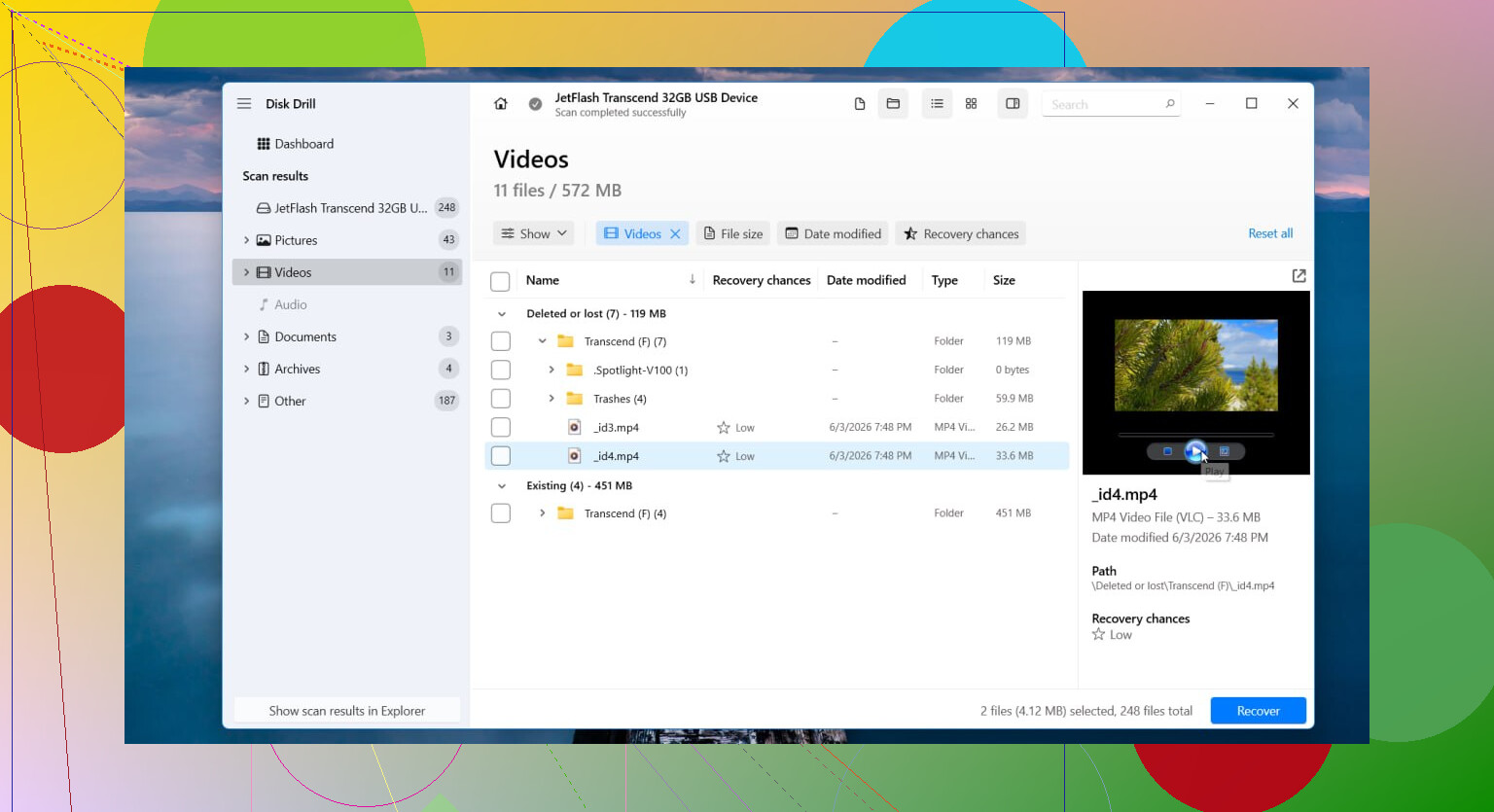
If I were starting with a normal deletion or format case, I’d try Disk Drill first.
The part worth trying is its Advanced Camera Recovery mode. From what I’ve seen, it was built for fragmented camera footage, which is the whole problem here. It also pulled in tech from the older GoProRecovery and CnW Recovery tools people used for years for camera cards. The newer version supports more devices and more file systems, so it’s less niche than those older tools were.
How I’d run it
- Put the SD card in a card reader
- Open Disk Drill
- Pick Advanced Camera Recovery
- Scan the card
- Preview what it finds
- Save recovered files to a different drive, never back to the same SD card
The preview part matters more than people think. I’ve used tools before where the results list looked great, then half the recovered clips were dead. Being able to preview first saves time and false hope.
Other options people bring up
PhotoRec gets mentioned a lot for good reason. It’s free, and it pulls up a ton of stuff. The downside is pretty obvious once you use it on camera media. It doesn’t have the same kind of GoPro-focused reconstruction, so you may end up with a mountain of files and a long sorting session.
UFS Explorer is on the other end. It’s serious software. I’ve seen it help in ugly cases, but it asks more from you. The interface and workflow are less forgiving if you’re not used to file system recovery.
Both have their place. For modern action camera footage with fragmentation, I’d still start with Disk Drill, then move outward if needed.
When I’d stop doing it myself
DIY software makes sense for logical problems. Deleted clips, quick format, damaged file system, stuff in that lane.
I’d hand it off to a pro if any of these are happening:
- The SD card has physical damage
- No computer detects the card at all
- The card keeps disconnecting
- The camera throws card errors every time
- The scan fails over and over
- The footage matters enough that you don’t want to risk one more bad move
Labs cost more, no way around it. But software won’t replace clean-room work, chip-level tools, or whatever else they use when hardware starts failing.
If this was a delete or format mistake and the card hasn’t seen much use since, your odds are still decent. Once new footage keeps getting written, recovery gets worse fast. So I’d move soon, but carefully.
3 Likes
If the card still mounts, I’d start with Disk Drill for GoPro video recovery. Main reason, action cam clips get fragmented, and plain file-carving tools often spit out broken MP4s or a mess of unnamed files. Disk Drill tends to do better with camera footage than the usual photo-first apps.
I partly agree with @mikeappsreviewer. I would not spend much time checking LRV files unless you only need proof the clip existed. Those preview files are low-res and not a real replacement for your footage.
Short list:
- Make a byte-for-byte image of the SD card first, if you have the space.
- Run recovery on the image, not the card.
- Try Disk Drill first.
- If it finds clips, recover to your computer, not back to the SD card.
- If videos look choppy or won’t open, test one with VLC and one with ffmpeg repair workflows.
If Disk Drill misses stuff, PhotoRec is a solid second pass. It’s free, but sorting the output is a pain and filenames are gone. R-Studio is another decent option if the card’s file system is damaged and you want more control. Recuva would not be my first pick for GoPro media, tbh.
For SEO-friendly wording, I’d phrase the topic as:
Best SD Card Recovery Software for GoPro Deleted Videos
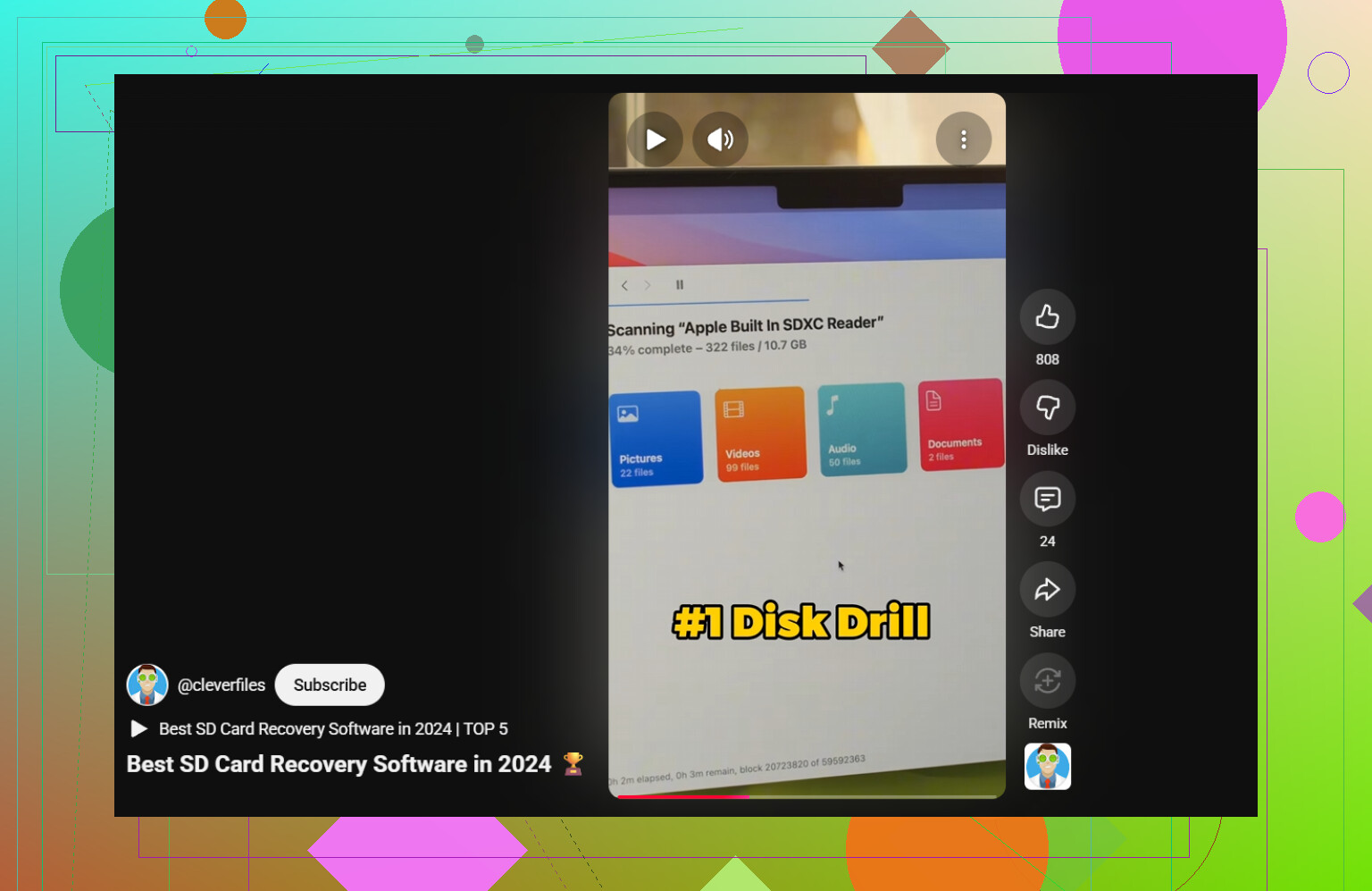
Also, this short explians one recovery approach in under a minute:
watch this quick GoPro SD card recovery demo
If the card disconnects, shows 0 bytes, or gets errors on multiple readers, stop doing DIY stuff. That’s where software starts losing.
I’d put Disk Drill at the top of the list for this specific job, mostly because GoPro recovery is usually about video handling, not just “undelete files.” That’s where a lot of generic recovery apps kinda fall apart.
I agree with @mikeappsreviewer on avoiding further use of the card, but I slightly disagree on trying too many little checks first if the footage is important. Every extra mount, scan, or camera prompt is another chance for things to get weirder. If the card is readable, I’d go straight to imaging it, then work from the image.
My take:
- Best first try: Disk Drill
- Best free fallback: PhotoRec
- Best if you want more manual control: R-Studio
- Not my first choice for GoPro clips: Recuva
One more thing people forget: sometimes the recovered MP4 is fine, but the header is damaged. So if a file won’t open, don’t instantly assume it’s dead. Try VLC first, then remux with ffmpeg. I’ve had “corrupt” GoPro files come back that way.
Also worth reading if you want more SD card video recovery cases: best SD card video recovery advice for deleted home videos
If the card is physically flaky, stop DIY. If it’s just deleted footage, Disk Drill is probly the cleanest starting point.